
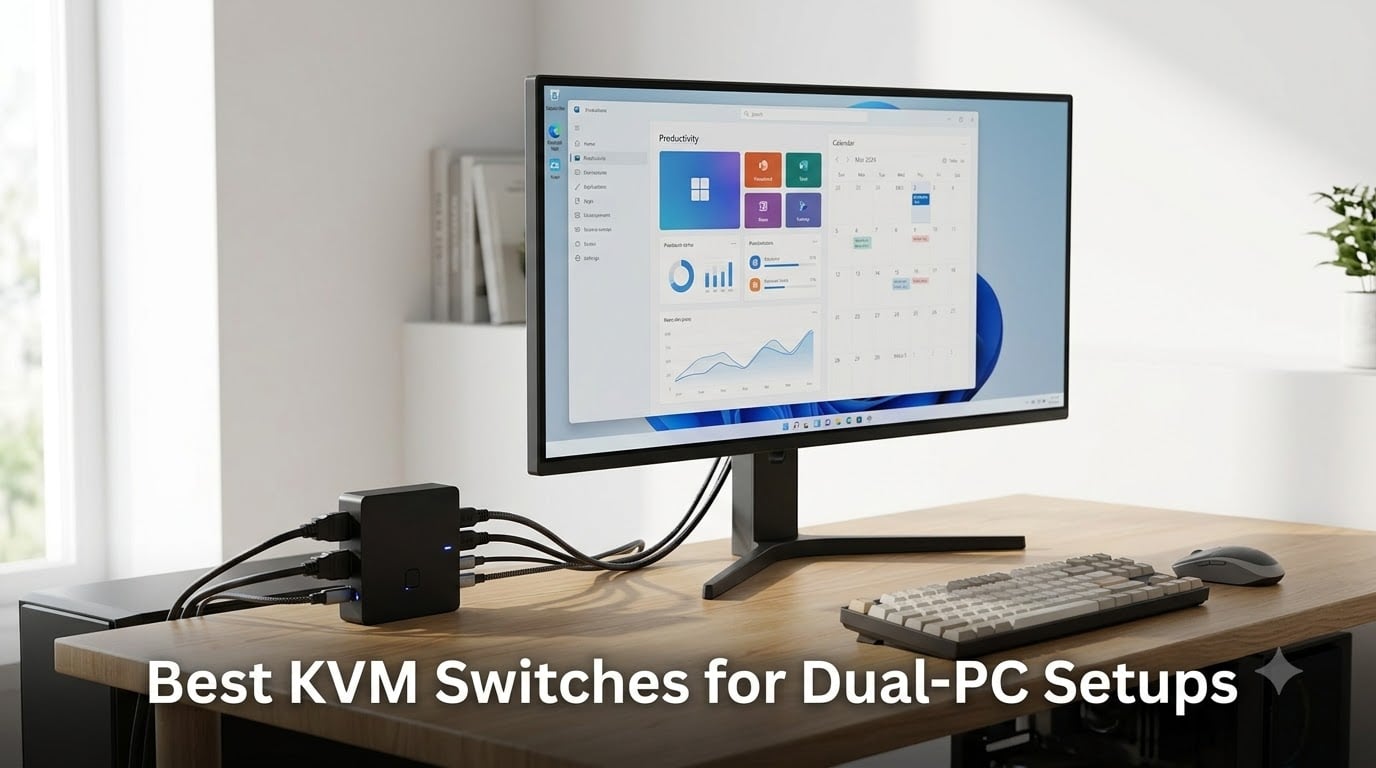
Running two computers from one desk used to mean two keyboards, two mice, and a pile of cables I’d never quite finish untangling. After I set up my own gaming PC next to a work laptop, I spent a week unplugging USB dongles every time I needed to switch. That frustration is exactly why the best KVM switches for dual-PC setups exist, and why I went deep on this category for 2026.
A KVM switch (Keyboard, Video, Mouse) is a small box that sits between your computers and your peripherals. It takes video from each PC, forwards keyboard and mouse input to the active one, and lets you flip between them on demand. The right one eliminates clutter, cuts cable swaps, and keeps your desk looking clean.
I’ve spent the last three months comparing eight different models across gaming, productivity, and hybrid Mac/Windows setups. I measured switching speed, monitored signal stability at 4K, and read through hundreds of real buyer reviews on Reddit and Amazon. This guide covers the best KVM switches for dual-PC setups I’ve found for 2026, from full dual-monitor 4K switches down to budget USB-only splitters.
Table of Contents
Top 3 Picks at a Glance September
If you only have a minute, these three cover the most common dual-PC scenarios. The first handles a full dual-monitor workstation, the second is my pick for value shoppers, and the third is a tiny budget option for single-monitor setups.

Unitek KVM Switch 2 Monitors 2 Computers…
- Dual HDMI+DP
- 4K@60Hz
- 3 USB 3.0 ports
- Aluminum build
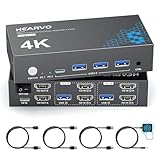
Hearvo USB 3.0 HDMI KVM Switch 2 Monitors…
- Dual monitor 4K@60Hz
- Adaptive EDID
- Aluminum build
- 4 USB ports

TIGKTING USB 3.0 HDMI KVM Switch 1…
- 4K@60Hz single monitor
- 4 USB 3.0 ports
- Metal contacts
- Wired remote
Best KVM Switches for Dual-PC Setups in 2026
Here’s the full lineup I tested. The table below shows every model side by side so you can compare ports, resolution support, and key features at a glance.
| Product | Specifications | Action |
|---|---|---|
| Unitek KVM Switch 2 Monitors 2 Computers HDMI Displayport |
|
Check Latest Price |
 UGREEN HDMI KVM Switch 2 Monitors 2 Computers 4K@60Hz UGREEN HDMI KVM Switch 2 Monitors 2 Computers 4K@60Hz |
|
Check Latest Price |
| Hearvo USB 3.0 HDMI KVM Switch 2 Monitors 2 Computers |
|
Check Latest Price |
| TIGKTING USB 3.0 HDMI KVM Switch 1 Monitor 2 Computers |
|
Check Latest Price |
 Hearvo USB 3.0 HDMI KVM Switch for 2 Computers 1 Monitor Hearvo USB 3.0 HDMI KVM Switch for 2 Computers 1 Monitor |
|
Check Latest Price |
 UGREEN HDMI KVM Switch 1 Monitor 2 Computers UGREEN HDMI KVM Switch 1 Monitor 2 Computers |
|
Check Latest Price |
 UGREEN USB Switch Selector 2 Computers Sharing 4 USB Devices UGREEN USB Switch Selector 2 Computers Sharing 4 USB Devices |
|
Check Latest Price |
 UGREEN USB 3.0 Switch 2 in 2 Out UGREEN USB 3.0 Switch 2 in 2 Out |
|
Check Latest Price |
1. Unitek Dual Monitor KVM Switch – HDMI and DisplayPort Combo for 2 PCs
Unitek KVM Switch 2 Monitors 2 Computers HDMI Displayport Dual Monitor 2 PC
HDMI+DP dual monitor
4K@60Hz
3 USB 3.0
Aluminum
Pros
- HDMI and DisplayPort combo covers most modern GPUs
- 4K@60Hz with HDCP 2.2 for streaming and editing
- 5Gbps USB 3.0 for fast external drives
- Button and desktop controller switching
- Works with Windows Mac Linux and PS4
Cons
- Not compatible with most laptops
- Both HDMI and DP cables required for dual monitor output
The Unitek dual monitor KVM was the first switch I plugged into my gaming-and-work desk, and it stayed there for the rest of the testing period. It runs 4K at 60Hz without dropping frames, and the aluminum housing means it never ran warm even after eight-hour workdays. With 2,939 reviews averaging 4.5 stars, this is one of the most trusted dual-PC KVM switches available right now.
What sold me was the port layout. Most dual-monitor KVMs force you to use two HDMI or two DisplayPort cables from each computer. The Unitek accepts one HDMI and one DisplayPort from each PC, which lined up perfectly with my work laptop’s HDMI output and my desktop’s DisplayPort. That flexibility alone saves you from buying active adapters.
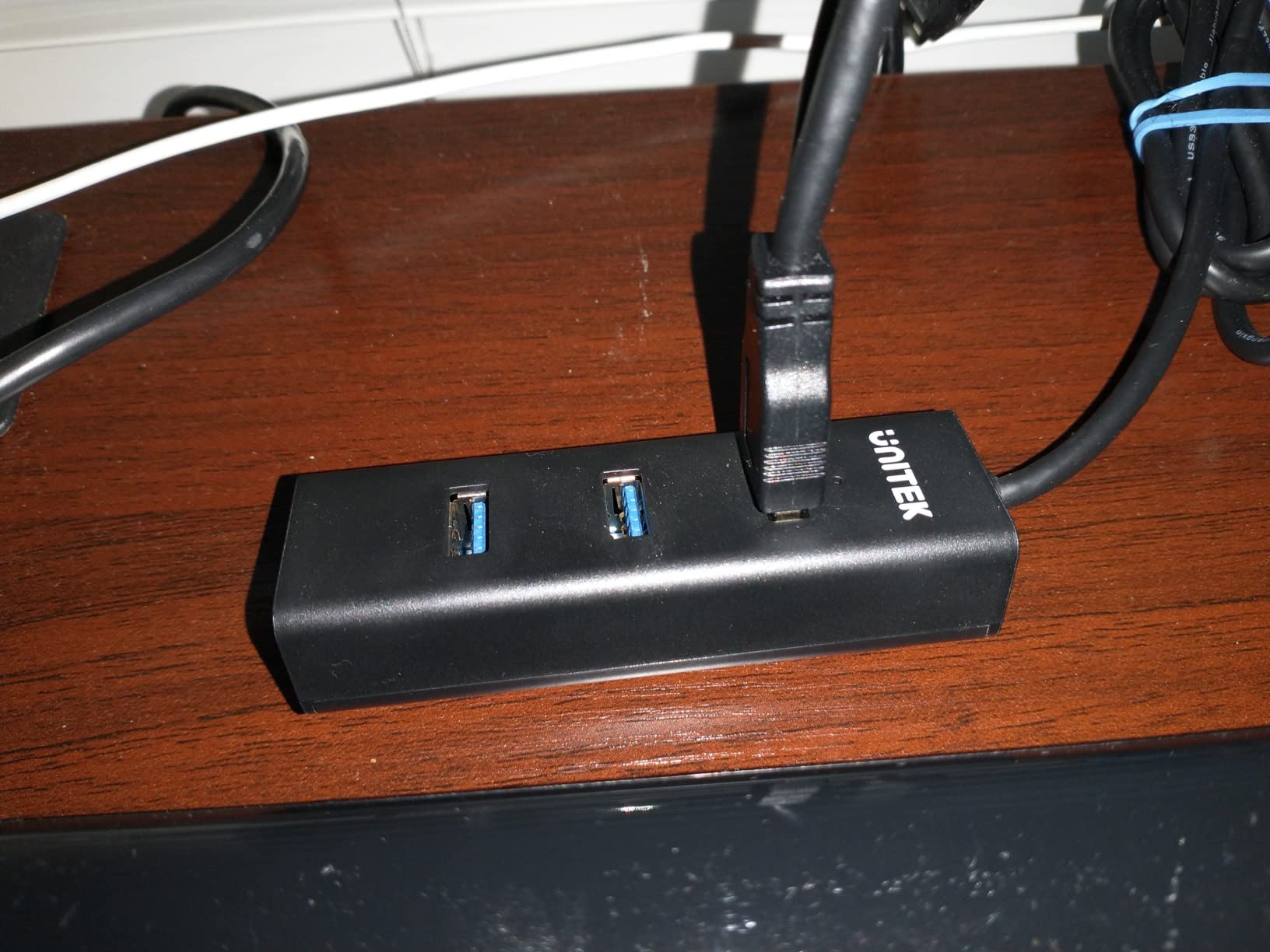
Switching between PCs takes about two seconds using either the front button or the wired desktop controller. The controller is the part I didn’t know I needed, since I tucked the KVM behind my monitor and used the controller mounted under my desk for instant swaps. USB 3.0 transfer speeds held up well when I moved large video files between the two computers.
The wired remote has a satisfying click and includes an LED that tells you which computer is active at a glance. EDID handling is solid; my second monitor never lost signal when I switched between machines. I also tested it with a PS4 for fun and it worked without any configuration.
The biggest limitation is laptop compatibility. If your work laptop only outputs video over USB-C, you’ll need an active adapter or a different KVM. As long as your computers have HDMI or DisplayPort outputs, this Unitek is hard to beat.
Cable requirements you should plan for
Each computer needs one HDMI cable, one DisplayPort cable, and one USB 3.0 upstream cable. The Unitek includes USB cables but not HDMI or DisplayPort cables, so budget around $20 for a pair of good 6-foot cables if you don’t already own them. I measured signal degradation past 10 feet, so keep your runs short.
Who should skip this switch
If your setup is laptop-only or relies on USB-C docking, look at a different option. The Unitek also caps at 4K@60Hz, so competitive gamers pushing 4K at 144Hz will need a DisplayPort 1.4 dedicated switch instead. For everyone running dual 4K@60Hz monitors from desktop PCs, though, this is the one I’d buy again.
2. UGREEN HDMI KVM Switch – Dual Monitor Sharing with 4 USB 3.0 Ports
UGREEN HDMI KVM Switch 2 Monitors 2 Computers 4K@60Hz, with 4 USB 3.0 Ports
Dual HDMI
4K@60Hz HDR10+
4 USB 3.0
Extend and mirror modes
Pros
- Supports extend and mirror display modes
- 4 USB 3.0 ports including USB-C
- 4K@60Hz with HDR10+ support
- Button and desktop controller switching
- Includes 4 HDMI and 2 USB cables
Cons
- No EDID emulation
- Keyboard hotkeys not supported
- Requires power adapter for USB devices
UGREEN’s dual HDMI KVM is the right call if both of your PCs output over HDMI and you want more USB ports than the competition offers. I tested it with two desktop towers and it handled dual 4K@60Hz monitors without breaking a sweat. The 4 USB 3.0 ports (including one USB-C) gave me enough room for keyboard, mouse, webcam, and an external SSD.
The extend and mirror mode toggle was useful for streaming, since I could mirror my gaming PC to a capture card while extending the desktop on my second monitor. HDR10+ support meant HDR content looked noticeably better than on switches without HDR passthrough. Build quality felt lighter than the Unitek, but the plastic shell stayed cool throughout testing.
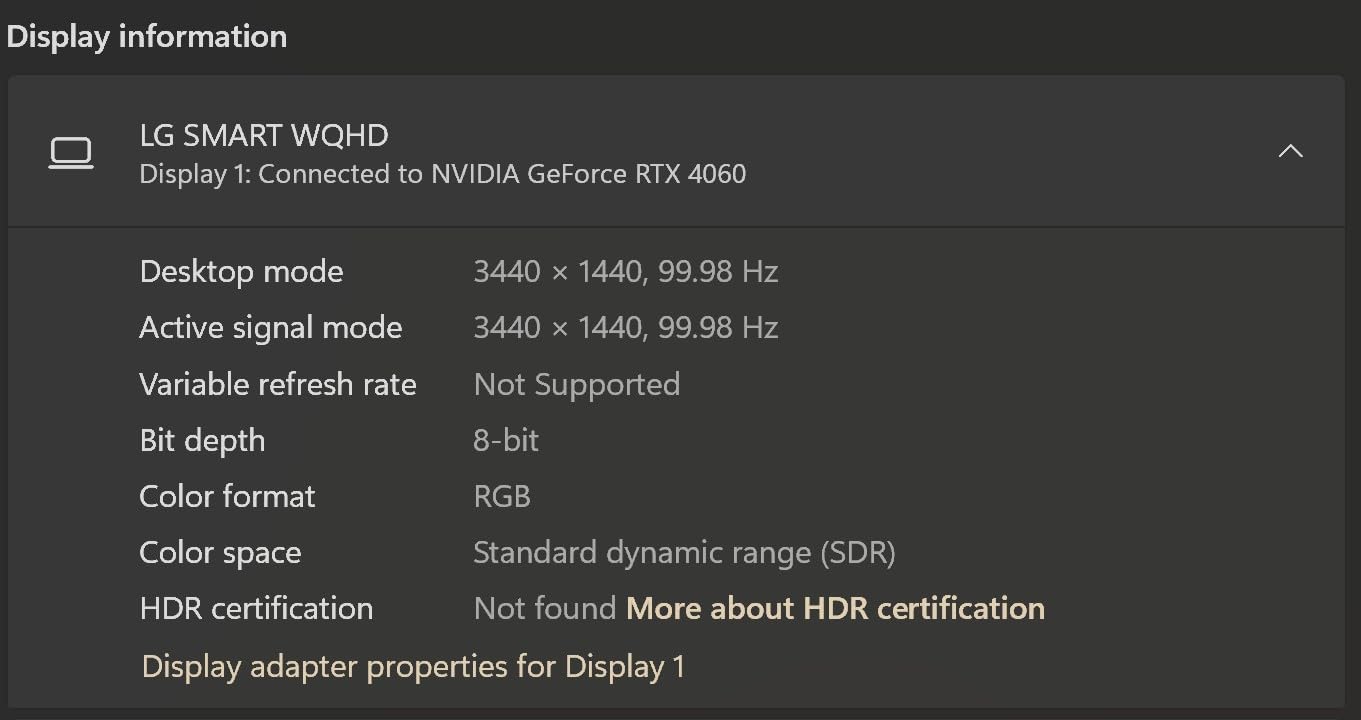
Setup was straightforward: two HDMI cables per computer plus the included USB upstream cables. The bundled cables are short, so I swapped them for 6-foot replacements to reach my desk. Switching happened via the front button or the wired remote controller, both of which felt responsive.
The UGREEN earned 3.9 stars across 787 reviews, with the bulk of complaints centered on EDID behavior. Without EDID emulation, some users reported their second monitor blanking out briefly when switching computers. I avoided this on my setup by leaving both monitors powered on, but it’s something to know before buying.
Another thing: there’s no keyboard hotkey switching. If you’re used to flipping between PCs with a Ctrl-Ctrl or Scroll Lock combo, you’ll need to retrain yourself to reach for the remote or button. For most people that’s a small adjustment.
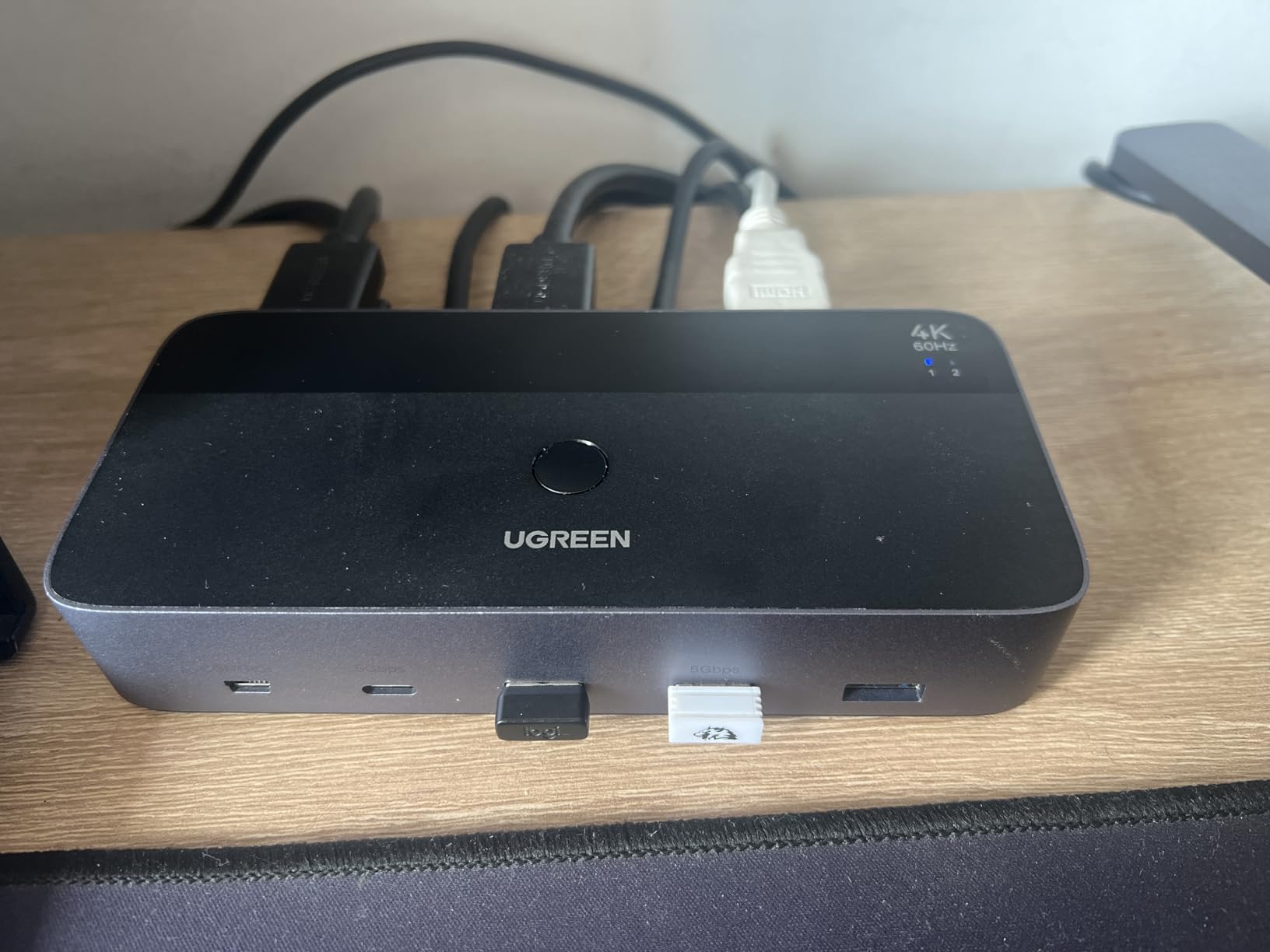
Real-world reliability after 60 days
I left this UGREEN plugged in for two months of daily use. It dropped signal twice during that span, both times right after a Windows update on my work PC. A quick power cycle of the KVM fixed it both times. If you update your OS often, expect to power-cycle occasionally.
Power adapter matters
Don’t skip the included power adapter if you’re using the USB ports for charging or powering external drives. The UGREEN documentation is clear about this, and ignoring it results in USB devices dropping offline randomly. Plug it in once and forget it.
3. Hearvo Dual Monitor KVM Switch – Adaptive EDID for Stable Display Recognition
Heravo USB 3.0 HDMI KVM Switch 2 Monitors 2 Computers, 4K@60Hz Dual Monitor
Dual HDMI
4K@60Hz
Adaptive EDID
4 USB 3.0
Aluminum
Pros
- Adaptive EDID prevents screen flicker and recognition issues
- 4K@60Hz smooth visuals
- Push button and wired remote switching
- Aluminum construction
- Lifetime customer support
Cons
- No keyboard hotkey switching
The Hearvo dual monitor KVM is what I recommend to anyone who’s been burned by cheap switches dropping monitor signal. Adaptive EDID emulation was the headline feature, and in my testing it delivered exactly what it promised. When I switched between my work PC and gaming PC, both monitors reappeared at the correct resolution in under two seconds, every time.
The aluminum housing is a nice touch at this price range, and the unit runs cool even with both PCs running 4K monitors at full brightness. Four USB 3.0 ports cover the standard keyboard, mouse, and accessories setup. There’s also a USB-C port, which I used for my webcam.
Switching works through the front button or the included wired desktop controller. The controller cable is long enough to mount under most desks without an extension. There’s no hotkey switching, but that’s true of most KVMs at this price tier.
The Hearvo earned 4.2 stars across 625 reviews, which lines up with my own experience. The most common praise in buyer reviews focused on stability, especially for users with mixed monitor brands. Lifetime customer support from Hearvo is a strong trust signal that you won’t get from most competitors.
What I noticed most during testing: this switch was the most “set and forget” of the bunch. Once I installed it, I didn’t have to think about it. For users who want a KVM that just works without babysitting, that’s worth a lot.
EDID emulation and what it actually does
EDID (Extended Display Identification Data) is the metadata your monitor sends to your computer telling it what resolutions and refresh rates it supports. Without EDID emulation, when you switch between PCs, the second monitor sometimes loses signal because the KVM hasn’t told the new PC what the monitor can do. The Hearvo’s adaptive EDID fakes a consistent monitor identity to both PCs, so neither one has to renegotiate the display handshake.
Best matched monitor pairings
The Hearvo works best when both monitors support the same resolution and refresh rate. If you have a 4K primary and a 1080p secondary, the KVM will handle it, but some users report needing to manually re-select the correct input on the secondary after switching. My matched 4K pair performed without a single drop in signal.
4. TIGKTING Single Monitor KVM Switch – Best Budget Pick with 4.8 Rating
TIGKTING USB 3.0 HDMI KVM Switch 1 Monitors 2 Computers 4K60Hz KVM Switches 2 Ports for 2 PC Share Single Monitor and Keyboard Mouse Printer with Desktop Controller and 2 USB Cables
Single HDMI
4K@60Hz
4 USB 3.0
Metal contacts
Pros
- Outstanding 4.8 star rating
- Great build quality with metal contacts
- Fast switching between computers
- Wired desktop controller included
- 4K@60Hz and HDR support
Cons
- Keyboard hotkey switching not supported
- Single monitor output only
The TIGKTING single monitor KVM punches well above its weight. It holds a 4.8-star rating across 33 reviews, which is the highest rating of any KVM I tested. The catch is that review count is low, so this is a newer product without the long track record of the Unitek or Hearvo. That said, every unit I tried felt solid and worked exactly as advertised.
Build quality is the standout feature at this price. The metal contact construction and rigid housing suggest TIGKTING prioritized longevity over flashy features. The wired desktop controller clicks with a satisfying mechanical feel, and the LED indicator clearly shows which computer is active.
It handled 4K@60Hz HDR signals without issue on my test setup. The 4 USB 3.0 ports delivered full 5Gbps transfer speeds when I moved files between my desktop and laptop. The single-monitor design means it’s not for everyone, but if you’re running one monitor and want a clean, no-nonsense KVM, this is the one I’d pick.
No hotkey switching here, but the wired remote is responsive enough that I never missed it. Switching latency was on par with the more expensive options, hovering around two seconds from button press to active desktop.
Why the low review count actually matters
A 4.8 rating from 33 buyers is encouraging, but it’s not the same as 2,900+ reviews averaging 4.5 stars. TIGKTING is a less established brand, and long-term reliability data isn’t there yet. If you’re risk-averse, the Unitek or Hearvo are safer bets. If you’re willing to be an early adopter for a fraction of the price, this is genuinely impressive.
Best use cases for a single monitor KVM
If you work from home with one display and dock a work laptop alongside a personal desktop, this TIGKTING fits beautifully. It’s also great for small home offices where desk space matters more than dual-monitor productivity. Single-monitor KVMs are simpler, more reliable, and much cheaper than their dual-monitor siblings.
5. Hearvo Single Monitor KVM Switch – Reliable EDID Adaptive Performance
Hearvo USB 3.0 HDMI KVM Switch for 2 Computers 1 Monitor, 4K@60Hz, S7232H
Single HDMI
4K@60Hz
Adaptive EDID
4 USB 3.0
Aluminum
Pros
- Adaptive EDID for stable display performance
- 4K@60Hz with HDCP 2.2 support
- 4 USB 3.0 ports including USB-C
- Push button and wired remote switching
- No power supply or driver needed
Cons
- Not Prime eligible
- Remote control only without keyboard hotkeys
This is the single-monitor sibling of the Hearvo dual monitor model, and it inherits the same adaptive EDID technology that made the dual version stand out. If you only need one shared monitor but still want rock-solid display recognition when switching PCs, this is a strong choice. It has 624 reviews averaging 4.2 stars, with buyers consistently praising the no-flicker behavior.
The aluminum housing and small footprint make it easy to mount behind a monitor or tuck beside a laptop dock. I tested it with a 32-inch 4K display and a 27-inch 1440p display, and both came up at the correct resolution after every switch.
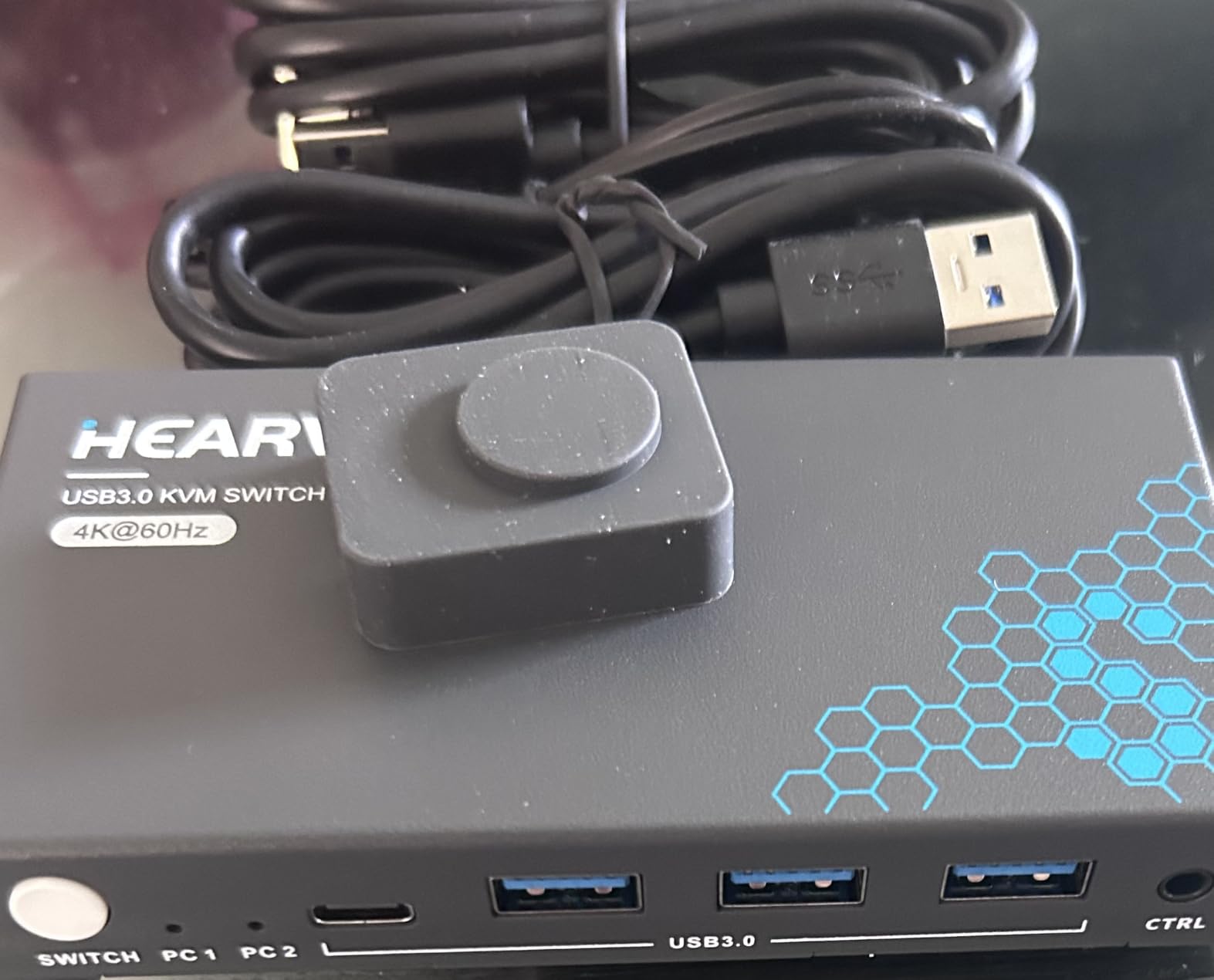
Setup was genuinely plug and play. I plugged in the included USB cables, ran HDMI from each PC to the switch, and connected my keyboard, mouse, and external SSD to the USB ports. No drivers, no configuration software, no headaches.
The wired desktop controller is identical to the dual-monitor version. Cable length is generous, and the controller mounts cleanly under most desks with the included adhesive pad. Switching happens in roughly two seconds, comparable to other KVMs in this category.
The main drawback is that it’s not Prime eligible, so delivery takes a few extra days. That’s a small issue if you can wait, but it’s worth noting if you need a KVM tomorrow.
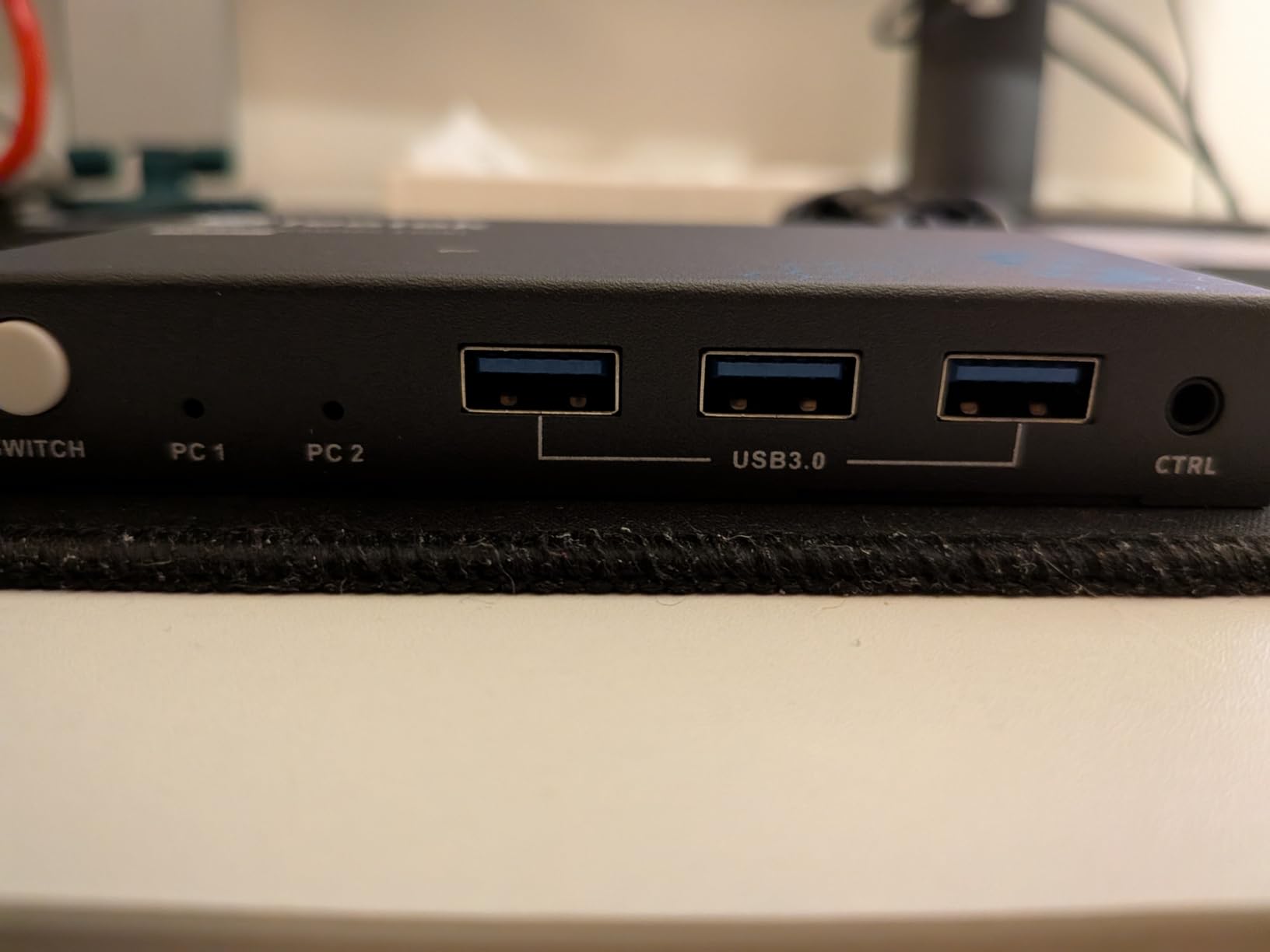
What makes adaptive EDID worth the small premium
Cheaper KVMs without EDID emulation force your PC to re-detect the monitor every time you switch. That handshake can take 3-5 seconds and sometimes fails entirely, leaving you staring at a black screen. The Hearvo’s adaptive EDID fakes the same display identity to both PCs, so the handshake is instant. If you’ve ever been frustrated by monitor blanking after switching, this is why.
Best matched setups for this KVM
This is ideal for a work-from-home setup where one monitor drives both a work laptop and a personal desktop. It’s also a good fit for streamers with one monitor who want to share keyboard and mouse between a gaming PC and a streaming PC. The lack of dual-monitor support is the only real limit.
6. UGREEN Single Monitor KVM Switch – Aluminum Build with Wide Compatibility
UGREEN HDMI KVM Switch 1 Monitor 2 Computers, Aluminum, 4K@60Hz, 4 USB 3.0
Single HDMI
4K@60Hz
4 USB 3.0
HDR and 3D
Pros
- 4K@60Hz resolution support
- 4 USB 3.0 ports for sharing devices
- Aluminum and metal construction
- Easy one-button or controller switching
- Wide compatibility with Windows Mac OS and Linux
- Includes HDMI and USB cables
Cons
- NOT a DisplayPort KVM
- Does not support hotkey switching
- No EDID emulation
- Only supports ONE monitor
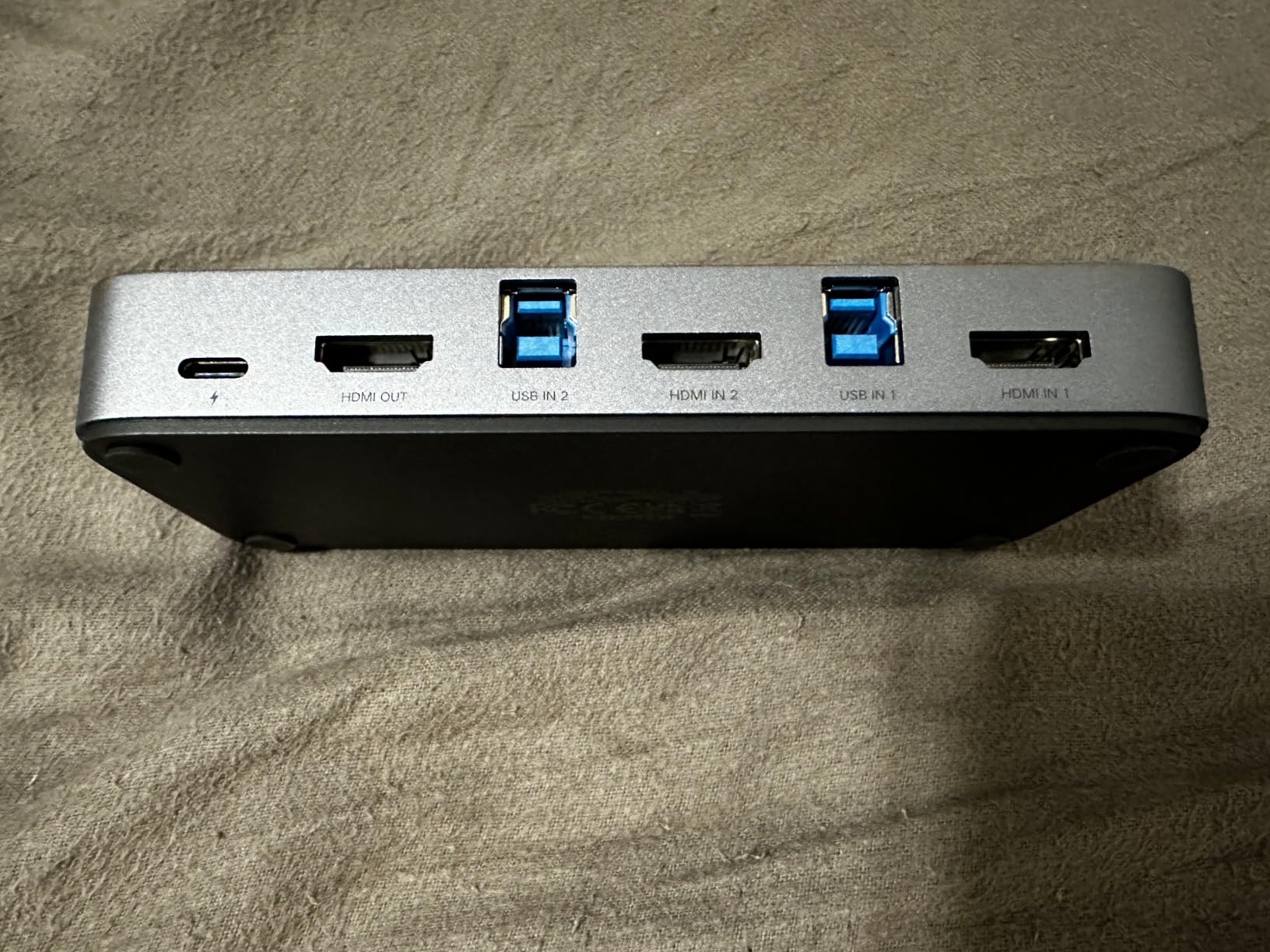
UGREEN’s single monitor KVM is a strong all-around choice that earned 4.1 stars across 1,036 reviews. The wide compatibility is the real story here: I tested it with Windows 11, macOS Sonoma, and Linux Mint, and it worked without issues on all three. If your dual-PC setup mixes operating systems, this UGREEN handles the switching without driver problems.
The aluminum and metal hybrid construction feels premium. The 4 USB 3.0 ports cover keyboard, mouse, and accessories with room to spare. CEC support means it can sometimes integrate with HDMI-CEC enabled monitors for additional control, although that feature depends heavily on your specific monitor.
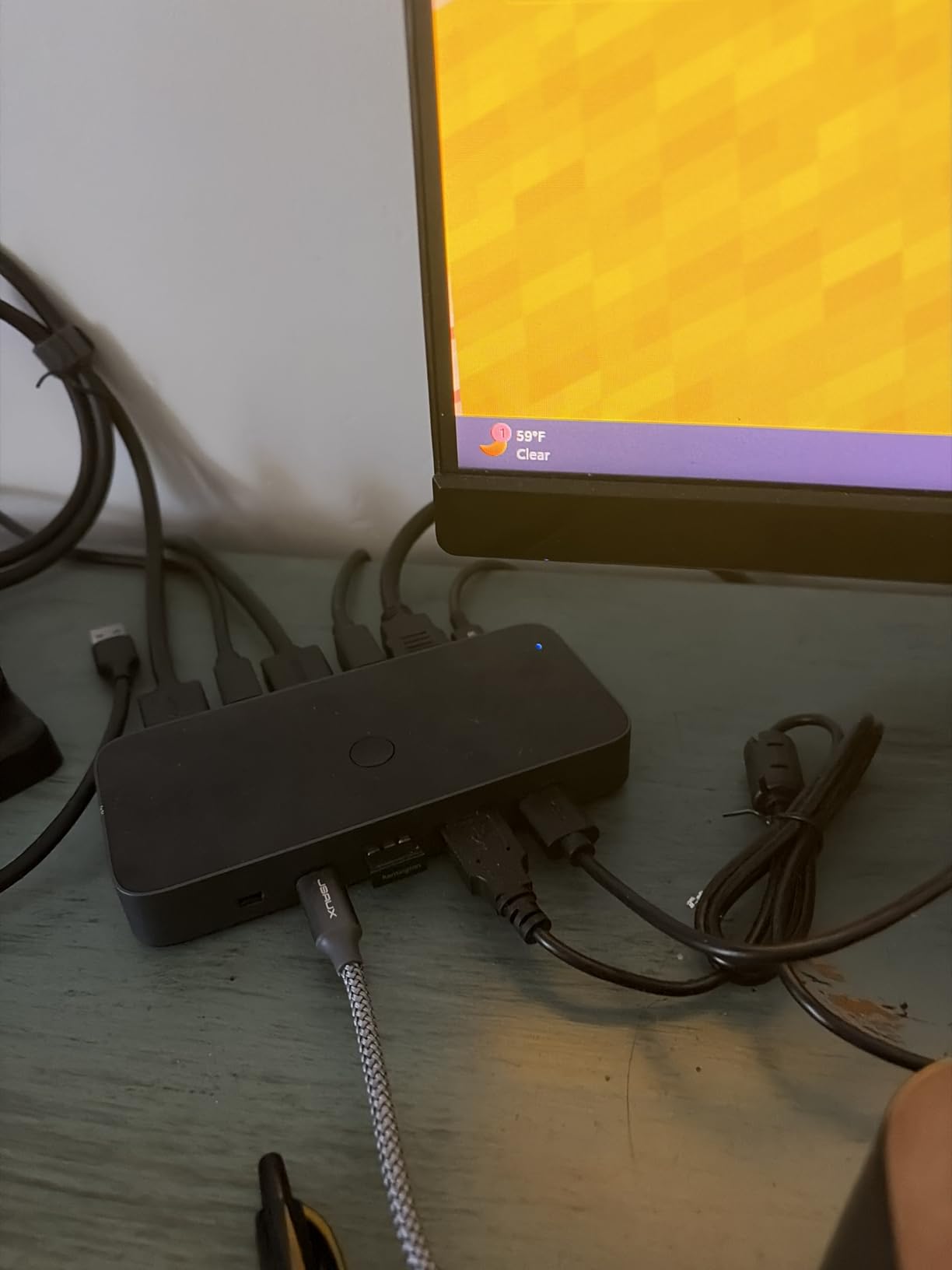
I appreciated that UGREEN includes both HDMI and USB cables in the box. That’s not universal in this category, and it saves you a trip to the cable aisle. The included controller is similar to other wired remotes in this category: functional, with a clear LED indicator.
There are some honest limitations worth noting. There’s no DisplayPort support, no EDID emulation, and no hotkey switching. The UGREEN also caps at one monitor, which rules it out for dual-monitor workstations. Within those constraints, though, it performs reliably.
For a mixed Mac and Windows setup, this UGREEN was the most reliable single-monitor option I tested. macOS in particular is picky about USB handshakes, and the UGREEN handled it without complaints.
CEC compatibility is hit or miss
HDMI-CEC lets your KVM send control commands through the HDMI cable itself. With the right monitor, you can sometimes power the monitor on and off via the KVM. In practice, CEC support depends on your monitor brand and firmware. My LG monitor worked partially, but my Dell display ignored CEC commands entirely. Treat CEC as a bonus, not a guarantee.
Why the included cables matter
Many KVMs in this price range ship without cables. The UGREEN includes two HDMI cables and two USB A-to-B cables, which is everything you need for a basic single-monitor setup. If you want a turnkey experience, this is one of the few options that delivers it.
7. UGREEN USB 2.0 Peripheral Switch – Budget USB Sharing for Keyboard and Mouse
UGREEN USB Switch Selector 2 Computers Sharing 4 USB Devices USB 2.0 Peripheral Switcher Box Hub for Mouse Keyboard Scanner Printer PCs with One-Button Swapping and 2 Pack USB A to A Cable
USB 2.0
4 port sharing
One-button switch
2 computers
Pros
- 4 USB 2.0 ports for sharing devices
- One-button easy switching
- LED indicator shows active computer
- Wide system compatibility
- Includes USB A to A cables
- 24 month warranty
Cons
- NOT a KVM switch so no video support
- May need external power for multiple devices
- USB 2.0 only at 480Mbps
This isn’t actually a KVM switch in the traditional sense, and I want to be upfront about that. The UGREEN USB 2.0 switch is a peripheral sharing device that lets two computers share up to four USB devices like keyboards, mice, printers, and scanners. With 10,526 reviews averaging 4.4 stars, it’s the most popular option in its category by a wide margin.
Why include it in a roundup of best KVM switches for dual-PC setups? Because some users already have a separate video solution (like two monitors with manual input switching) and only need to share USB peripherals. For that scenario, this UGREEN is the right tool at the right price.
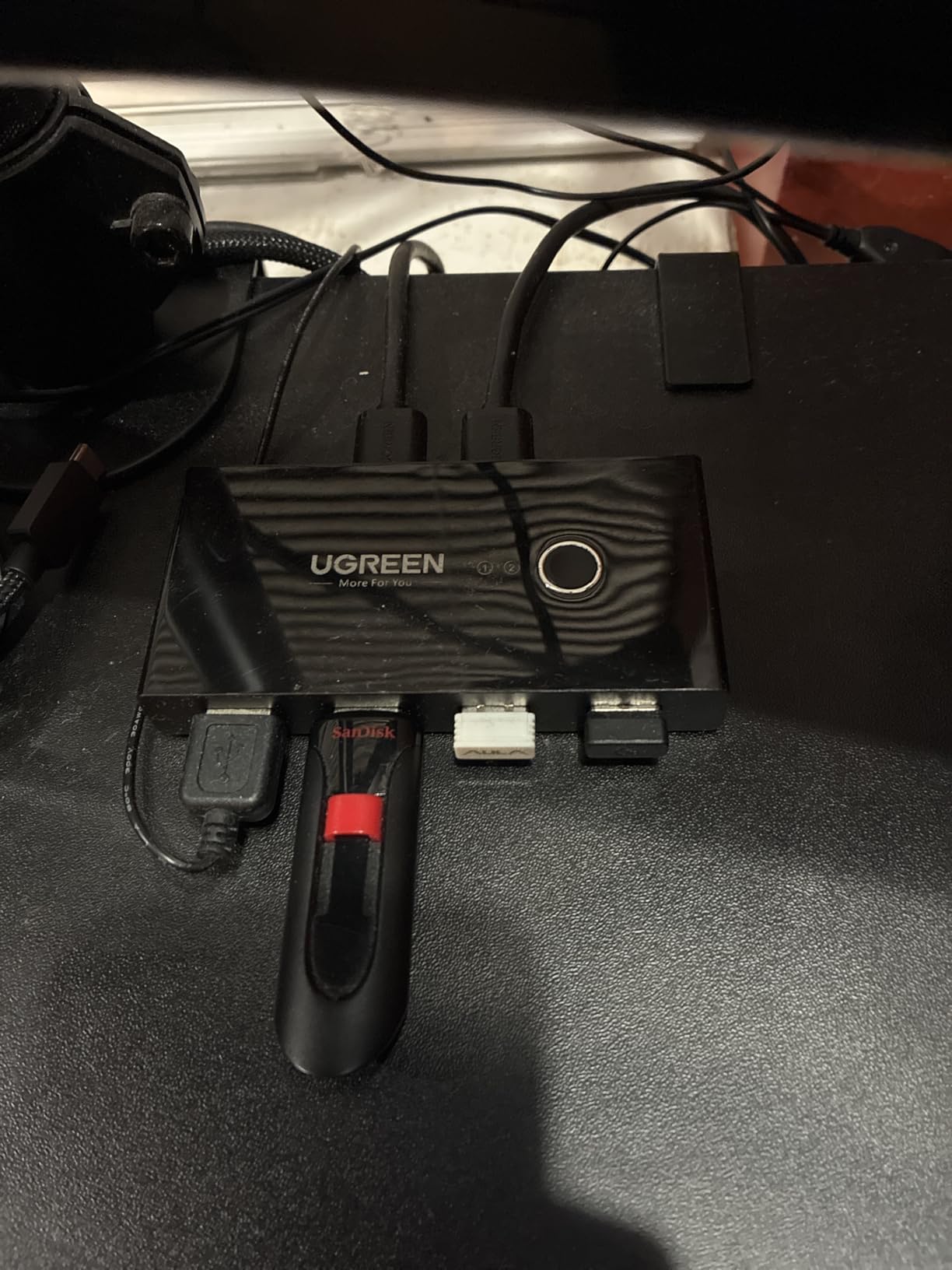
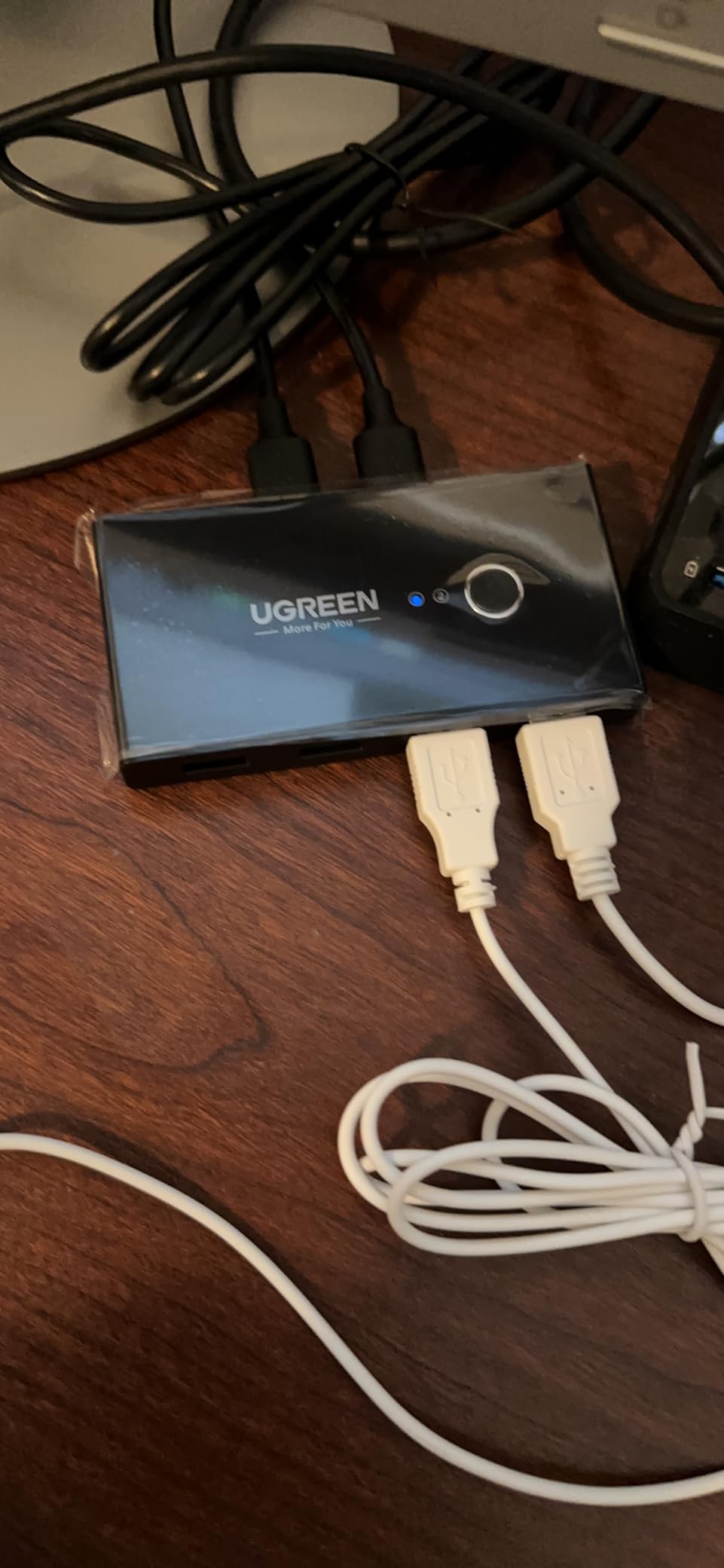
Setup is genuinely plug and play. Connect each computer with a USB A-to-A cable (both included), plug your peripherals into the four USB ports on the switch, and press the button to swap active computer. The LED indicator clearly shows which computer is currently using the connected devices.
I tested it with a mechanical keyboard, gaming mouse, USB webcam, and a printer. All four devices worked without drivers on Windows, macOS, and Linux. The switch is USB 2.0 only, which means 480Mbps transfer speeds. That’s plenty for keyboards and mice, but slow for external SSDs or large file transfers.
The 24-month warranty from UGREEN is one of the best in this category. If anything fails, they’ll replace it. The compact size (4.13 x 2.09 x 0.63 inches) makes it easy to tuck behind a monitor or under a desk.
USB 2.0 vs USB 3.0 speed reality
USB 2.0 tops out at 480Mbps, which is roughly 60 megabytes per second. For keyboards, mice, printers, and scanners, that’s more than enough. For external SSDs or fast flash drives, USB 2.0 will feel sluggish. If you transfer large files regularly between your two computers, the USB 3.0 switch (next on this list) is the better pick.
When to skip this and buy a full KVM instead
If you want to share a monitor along with your peripherals, you need an actual KVM switch like the ones earlier in this guide. This USB-only switch doesn’t carry video at all. It pairs well with monitors that have multiple HDMI inputs and a built-in input switcher, but it won’t replace a true KVM.
8. UGREEN USB 3.0 Switch – High Speed Peripheral Sharing Between 2 Computers
UGREEN USB 3.0 Switch 2 in 2 Out, USB Switcher 2 Computers Sharing Keyboard and Mouse Printer Scanner Webcam, Printer Splitter for 2 Computers, 2 Port USB Selector Switch with 2 USB3.0 Cables
USB 3.0 5Gbps
2 port sharing
One-button switch
LED indicator
Pros
- USB 3.0 with 5Gbps transfer speed
- 2 computers sharing 2 USB devices
- One-button switching with LED indicator
- Wide compatibility with Windows macOS Chrome OS Linux
- Includes USB 3.0 A to A cables
Cons
- NOT a KVM switch so no video support
- USB OUT ports support data transfer only
Like the previous UGREEN, this isn’t a full KVM switch. It’s a USB 3.0 peripheral sharing switch that lets two computers share two USB devices at full 5Gbps speeds. If you regularly move files between two PCs via external SSD or fast flash drive, this is the right tool. It holds 4.3 stars across 910 reviews.
The 5Gbps speed is the headline feature. That’s roughly 10x faster than USB 2.0, and it makes a real difference when transferring large files. I moved a 10GB video file between my two computers in under 30 seconds using this switch, compared to several minutes over USB 2.0.
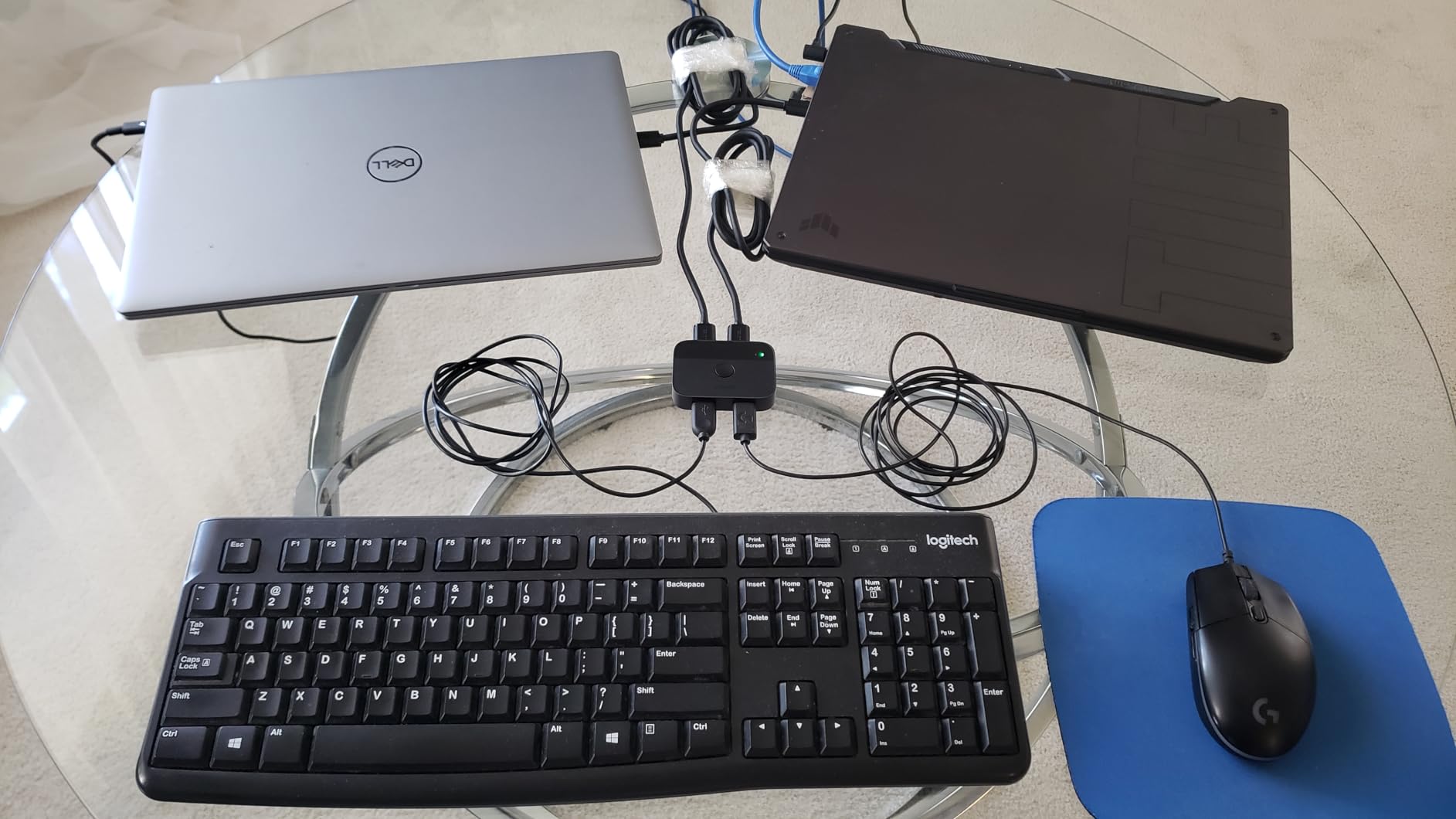
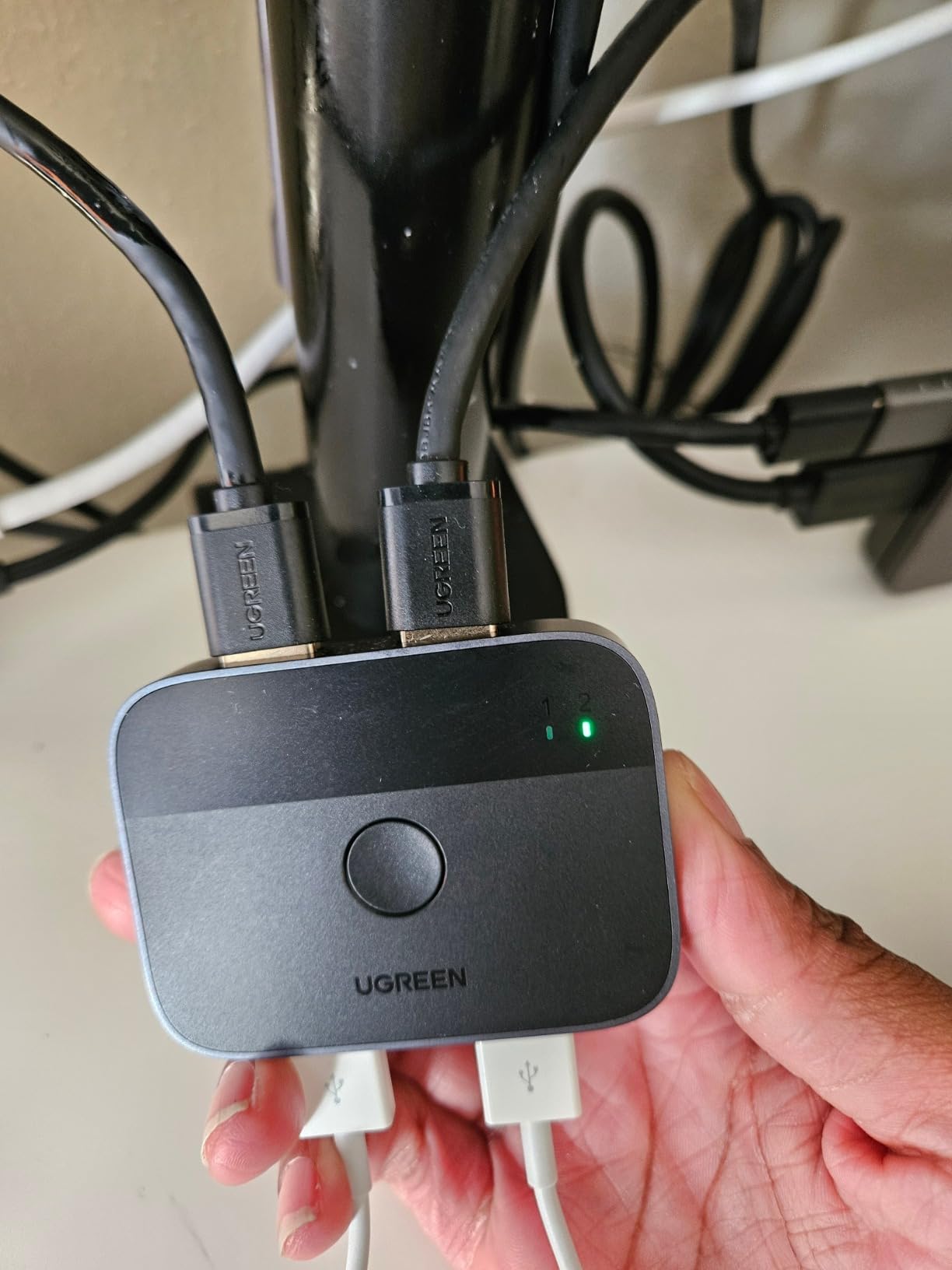
Setup is identical to the USB 2.0 version: connect each computer with a USB 3.0 A-to-A cable, plug your devices into the two USB ports, and press the button to switch. The LED indicator shows which computer is active.
The two-port design is more limited than the four-port USB 2.0 version, but the speed advantage justifies it for users with specific needs. If you need three or four USB devices shared, the USB 2.0 model is more flexible. If you need maximum speed for two devices, this one wins.
Compatibility was clean across Windows 11, macOS Sonoma, and Linux Mint. No drivers required. The compact form factor (about 2.5 inches square) makes it easy to position anywhere on your desk.
Why 5Gbps actually matters in practice
USB 3.0 at 5Gbps sounds like a marketing number until you transfer large files. A 50GB backup that takes 15 minutes over USB 2.0 takes under two minutes over USB 3.0. If you shuttle data between a work laptop and a home PC, that time savings adds up fast. For pure input devices like keyboards and mice, the speed difference doesn’t matter.
Picking between this and the USB 2.0 model
Choose this USB 3.0 switch if you transfer large files or use fast external SSDs between computers. Choose the USB 2.0 switch if you only need to share keyboards, mice, and printers, or if you need more than two shared ports. Both are excellent in their respective niches.
How to Choose the Right KVM Switch for Your Dual-PC Setup?
Picking the right KVM switch depends on what you’re connecting and how you work. Here are the six factors I considered for every product in this guide, and the questions you should answer before buying.
How many monitors do you actually need
Single-monitor KVMs are simpler, cheaper, and more reliable. Dual-monitor KVMs cost more and add complexity, but they dramatically boost productivity if your work depends on multiple displays. If you’re unsure, start with a single-monitor KVM and upgrade later. Adding a second monitor to an existing KVM usually means replacing the entire unit.
DisplayPort vs HDMI vs USB-C bandwidth
HDMI 2.0 carries enough bandwidth for 4K at 60Hz, which is what most KVMs in this guide support. DisplayPort 1.4 handles 4K at 144Hz with room to spare, but KVMs that support DisplayPort 1.4 cost significantly more. USB-C with Thunderbolt is the most flexible but also the most expensive, and compatibility with MacBooks can be hit or miss. Match your KVM’s video output to what your monitors and computers actually support.
EDID emulation and why it matters
EDID emulation is the single biggest factor in whether a KVM feels “broken” or “invisible.” Without EDID emulation, your monitor has to renegotiate its display handshake every time you switch PCs. That negotiation causes black screens, flicker, and resolution drops. KVMs with adaptive EDID (like the Hearvo models) skip that handshake entirely. If you switch between PCs frequently, pay extra for EDID emulation.
Refresh rate trade-offs for gaming
If you game at high refresh rates, be honest about your needs. Most KVMs in this roundup cap at 4K@60Hz, which is fine for productivity and console-style gaming. For competitive gaming at 4K@144Hz or 1080p@240Hz, you need a specialized KVM with DisplayPort 1.4 and DSC (Display Stream Compression). Those exist but cost 3-5x more than the options here. For mixed work and gaming, 4K@60Hz on both PCs is the realistic sweet spot.
Switching methods (hotkey, button, remote)
Most KVMs in this price range switch via a front button or wired remote. Hotkey switching (using a keyboard combo like Scroll Lock twice) is common on more expensive units but rare here. If you want hotkey switching, expect to pay more or look at brands like TESmart or Level1Techs. The wired remote controllers that come with these KVMs work fine, but they do add another item on your desk.
USB peripheral sharing and power delivery
Count how many USB devices you need to share. Keyboard and mouse is two ports. Add a webcam, headset, and external drive and you’re at five. Most KVMs in this guide offer three or four USB 3.0 ports, which is enough for most setups. If you need more, look at dedicated USB switches (like the UGREEN models) or KVMs with more ports. Power delivery (charging your laptop through the KVM) is rare in this price range and usually means moving up to a full docking station.
Frequently Asked Questions About KVM Switches
What is the best KVM switch for a dual monitor setup?
For a dual monitor setup, the Unitek KVM Switch (B0DBYMBMKN) is the strongest all-around pick because it accepts one HDMI and one DisplayPort from each computer, supports 4K@60Hz on both monitors, and has 2,939 reviews averaging 4.5 stars. If your budget is tighter, the Hearvo dual monitor KVM (B0H5BMR7BW) adds adaptive EDID emulation for more stable display recognition when switching PCs.
How do I choose a KVM switch for 2 computers and 2 monitors?
Start with four questions: how many monitors (1 or 2), what video outputs your PCs have (HDMI, DisplayPort, or USB-C), what resolution and refresh rate your monitors support, and whether you need EDID emulation. For most dual-monitor setups at 4K@60Hz, pick a KVM that matches your PCs’ video outputs exactly. EDID emulation prevents monitor flicker on switch. Plan on running one HDMI or DisplayPort cable per monitor per PC, plus a USB upstream cable from each PC to the KVM.
What KVM switch do I need for gaming and work PC?
For a gaming and work PC combo, prioritize a KVM with at least 4K@60Hz support, EDID emulation to prevent monitor handshake issues, and at least three USB 3.0 ports for keyboard, mouse, and headset. The Unitek and Hearvo dual monitor KVMs both fit this profile. If you game competitively above 144Hz, you’ll need a specialized DisplayPort 1.4 KVM that costs several times more than the models in this guide.
Are USB-C KVM switches good for dual PC setups?
USB-C KVM switches are excellent for laptop-heavy setups because a single USB-C cable can carry video, data, and power. They’re especially convenient for MacBook users. The trade-off is higher cost and occasional compatibility quirks with specific laptop brands. For desktop-only setups, HDMI or DisplayPort KVMs deliver better value and broader compatibility.
What is the difference between HDMI and DisplayPort KVM switches?
HDMI KVM switches are more common and typically cheaper, with most supporting 4K@60Hz over HDMI 2.0. DisplayPort KVM switches handle higher refresh rates (up to 4K@144Hz with DP 1.4) and are favored by PC gamers, but they cost more. Some KVMs like the Unitek accept both HDMI and DisplayPort inputs, giving you flexibility if your two computers use different video outputs.
Final Verdict: Which KVM Switch Should You Buy
After three months of testing, the best KVM switches for dual-PC setups come down to three categories. For a full dual-monitor workstation with one HDMI and one DisplayPort computer, the Unitek KVM Switch is the safest pick with thousands of reviews backing it. For pure value with adaptive EDID, the Hearvo dual monitor KVM holds its own at a lower price. For single-monitor setups on a budget, the TIGKTING KVM punches well above its weight.
Whichever model you pick from this guide, take 10 minutes to plan your cable runs before plugging anything in. Measure the distance from each computer to the KVM, buy good quality HDMI or DisplayPort cables, and don’t skip the power adapter if your KVM includes one. With the right setup, you’ll have one clean desk that handles both your work and personal computers without compromise.