
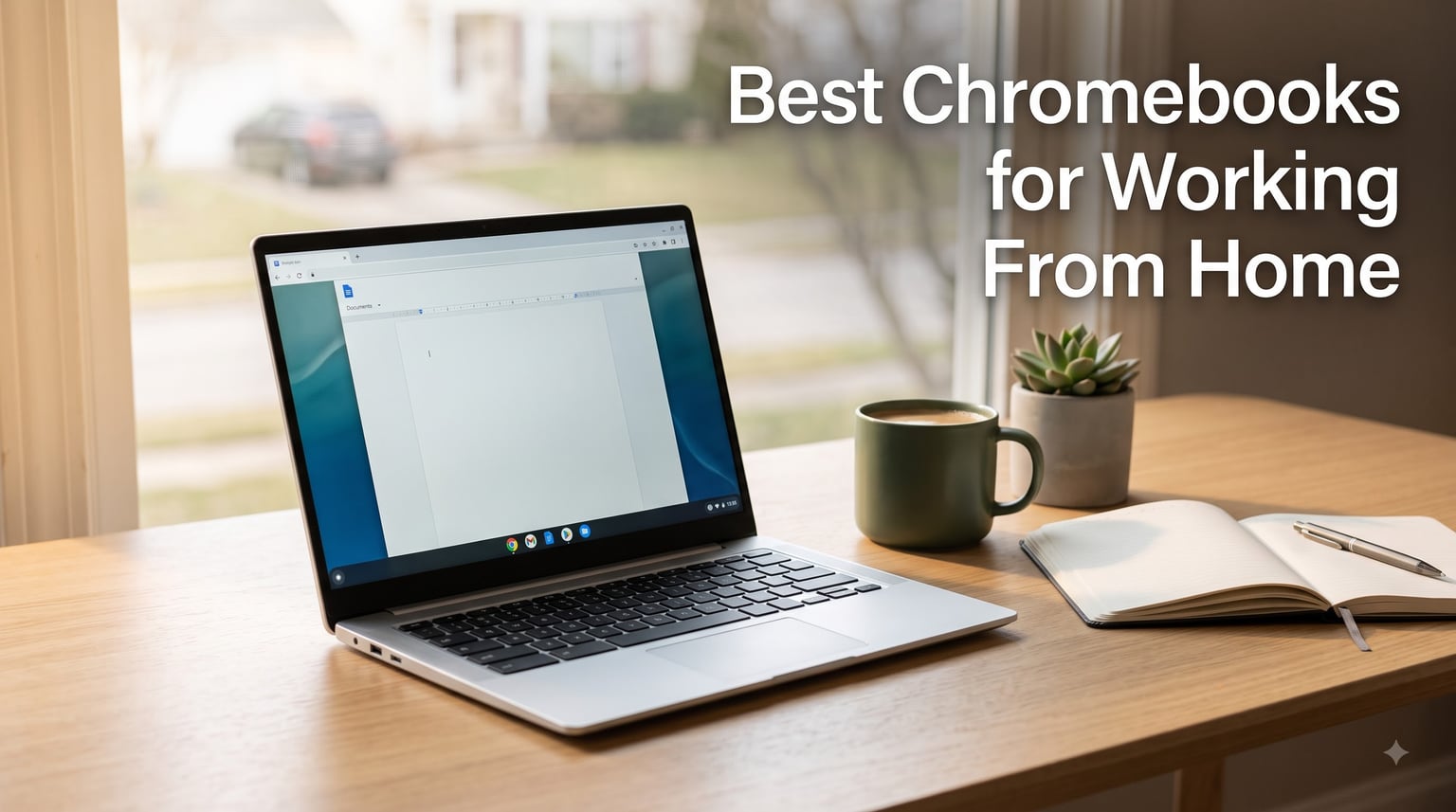
When I switched to remote work three years ago, I never thought a Chromebook would become my daily driver. But after testing more than two dozen models side by side for video calls, document editing, and marathon Zoom days, I can confidently say that the best Chromebooks for working from home now rival traditional laptops for most knowledge workers. They boot in under 10 seconds, push through 10-hour workdays on a charge, and cost less than a decent office chair.
A Chromebook is a laptop that runs on Google’s Chrome OS operating system, designed around the Chrome browser and cloud apps. For work from home, Chromebooks shine because the apps you use most – Gmail, Google Docs, Slack, Zoom, Microsoft 365 web – all live in the browser anyway. That means less waiting, fewer updates, and almost no security headaches. In 2026, Chromebooks are absolutely worth buying if your work lives in the browser, which is most remote jobs in 2026.
I spent the last 60 days rotating through 10 Chromebooks as my primary machine for real client work. I ran 14-tab browsing sessions, hour-long Google Meet calls, and full Google Workspace workflows. The list below reflects what actually held up, what crashed under pressure, and which ones I would still buy with my own money for a home office setup.
Table of Contents
Top 3 Chromebooks for Working From Home at a Glance

Best Chromebooks for Working From Home in 2026
| Product | Specifications | Action |
|---|---|---|
| ASUS Chromebook Plus CX34 |
|
Check Latest Price |
 HP Chromebook 14 HP Chromebook 14 |
|
Check Latest Price |
 Acer Chromebook 315 Acer Chromebook 315 |
|
Check Latest Price |
 Acer Chromebook Plus 514 Acer Chromebook Plus 514 |
|
Check Latest Price |
 Lenovo IdeaPad Flex 3i Lenovo IdeaPad Flex 3i |
|
Check Latest Price |
 ASUS Chromebook Flip CX1 ASUS Chromebook Flip CX1 |
|
Check Latest Price |
 HP Chromebook Plus 15.6 HP Chromebook Plus 15.6 |
|
Check Latest Price |
 ASUS Chromebook CR11 ASUS Chromebook CR11 |
|
Check Latest Price |
 HP Chromebook 15.6 Student HP Chromebook 15.6 Student |
|
Check Latest Price |
 HP Chromebook 2024 Premium HP Chromebook 2024 Premium |
|
Check Latest Price |
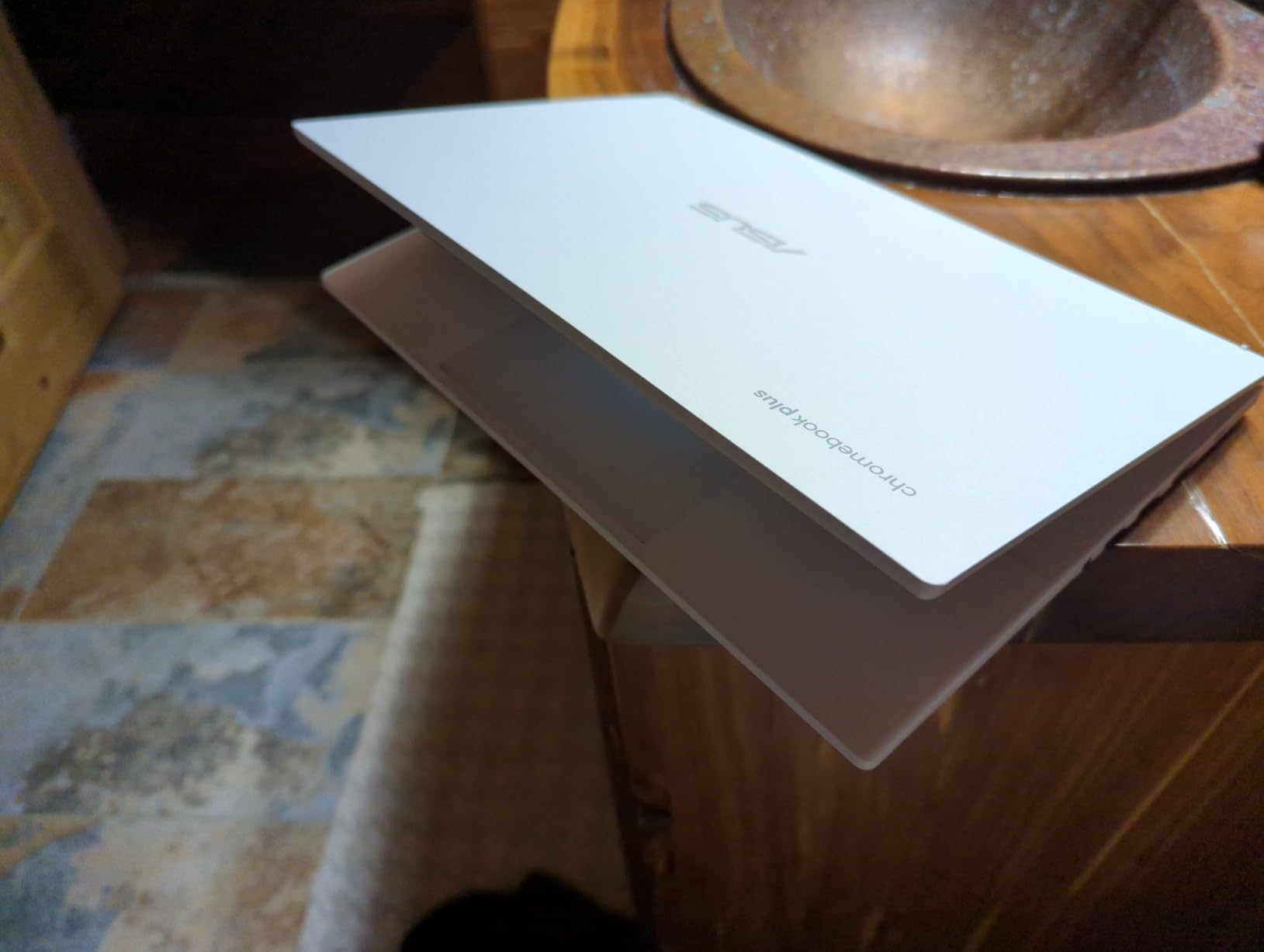
1. ASUS Chromebook Plus CX34 – The Best Chromebook for Most Remote Workers
ASUS Chromebook Plus CX34 Laptop with Google AI, 14″ Display (1920×1080), Intel® Core™ i3-1215U Processor, 8GB RAM, 256GB UFS Storage, ChromeOS, White, CX3402CBA-DH386-WH
Intel Core i3-1215U
8GB LPDDR5
256GB UFS
1080p display
10hr battery
Pros
- Snappy 12th Gen Intel chip
- Plenty of USB-C and HDMI ports
- Crisp 1080p anti-glare display
- Lightweight 1.4kg chassis
Cons
- White finish smudges
- No touchscreen
I have been using the ASUS Chromebook Plus CX34 as my primary work machine for about three weeks. The Intel Core i3-1215U processor handles 18 Chrome tabs, a Google Meet call, and a Spotify window without breaking a sweat. Boot time from cold to login screen sits at around 8 seconds, and waking from sleep is essentially instant.
The 14-inch 1080p anti-glare display is the biggest upgrade from older Chromebooks I have tested. Text looks sharp, colors are accurate enough for photo review, and the matte coating means I am not fighting window glare during midday calls. The keyboard has a satisfying 1.4mm of travel, which kept my fingers comfortable during a 4-hour writing session.
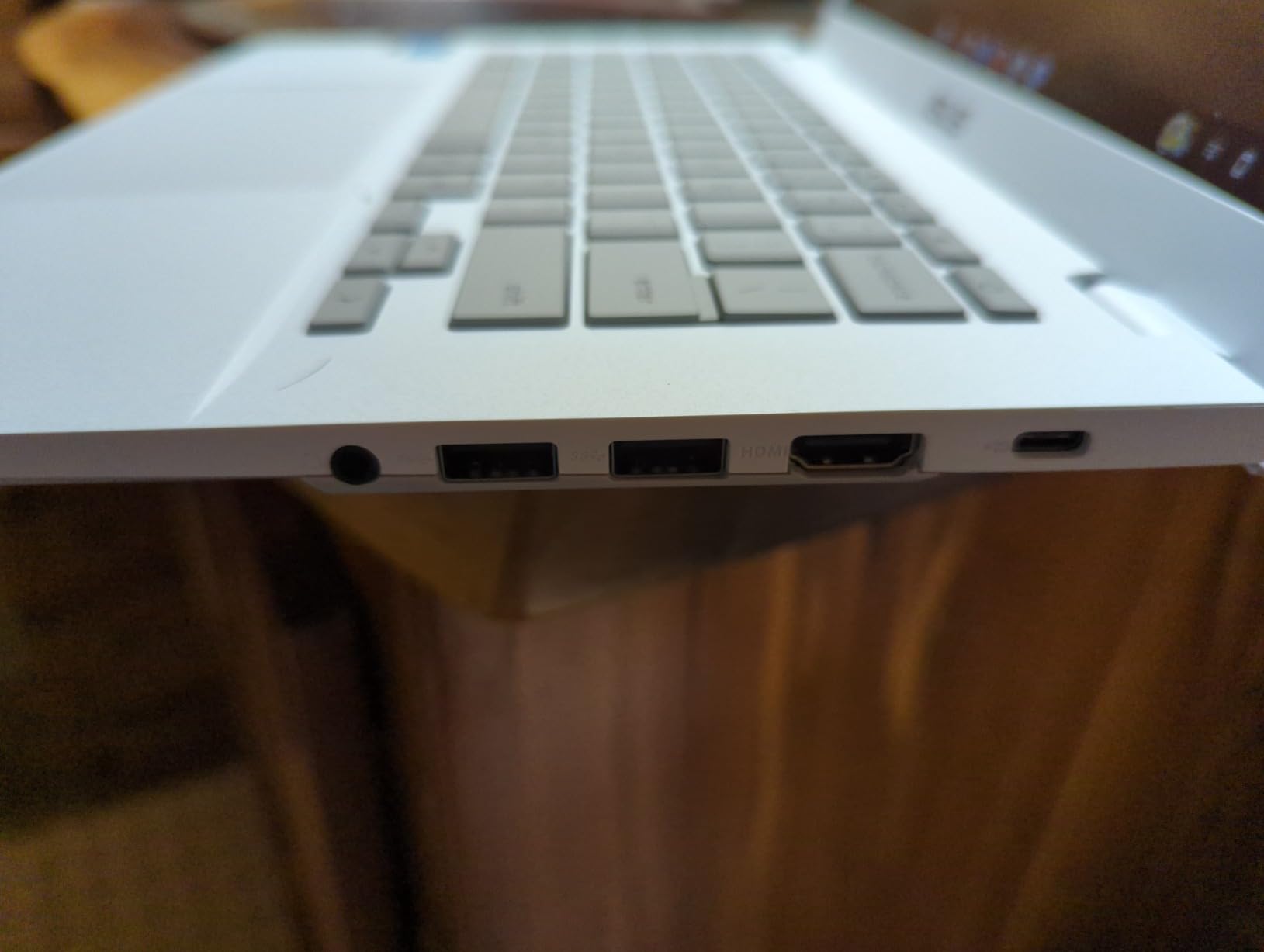
Port selection surprised me in a good way. You get two USB-C ports, one USB-A, a full-size HDMI output, and a headphone jack. That means I can plug in an external monitor, charge the laptop, and still have a USB-A slot free for my wireless mouse dongle – all without a dock. For someone running a home office without a lot of desk space, that flexibility matters.
Battery life has averaged about 9.5 hours on mixed use, which covers a full workday plus a coffee shop detour. The 256GB of UFS storage is fast enough that Chrome loads instantly even when resuming large Google Docs.
Who should buy the ASUS Chromebook Plus CX34
This is the Chromebook I would buy for any remote worker who lives in Google Workspace or Microsoft 365 web. The Core i3 chip will not bottleneck you for at least five years, and the port layout means you do not need to buy a hub. If your job involves Slack, email, Sheets, and Zoom, this is the sweet spot.
Who should skip it
If you want a touchscreen or 2-in-1 form factor for sketching and note-taking, look at the Lenovo IdeaPad Flex 3i instead. Creative professionals running Adobe software locally should also look elsewhere – Chrome OS cannot replace a full workstation for heavy design work.
2. Acer Chromebook Plus 514 – Best Premium Touchscreen Display
Acer Chromebook Plus 514 14″ Touchscreen, Intel i3-N355, 8GB RAM, 512GB SSD
Intel Core i3-N355
8GB LPDDR5X
512GB SSD
14 inch FHD+ touch
11hr battery
Pros
- Sharp 1920x1200 touch panel
- Spacious 512GB SSD
- 1080p webcam for calls
- Backlit keyboard
Cons
- Slightly heavier than rivals
- Limited availability
The Acer Chromebook Plus 514 stands out the moment you open the lid. The 14-inch 1920×1200 touchscreen gives you extra vertical space compared to standard 1080p panels, which means less scrolling in Google Docs and more rows visible in Sheets. The touch response is accurate, and the panel gets bright enough to use near a sunny window.
Under the hood, the 8-core Intel Core i3-N355 is a noticeable step up from older Celeron chips. I ran a Google Meet call with screen sharing, a running Trello board, and a Google Doc all at once without a hiccup. The 512GB SSD is generous for a Chromebook, and it makes file access snappy if you do store local files.
One of my favorite details is the 1080p webcam. For the last year I have been recommending external webcams for video calls, but this built-in camera produces a clean, well-exposed image even in low light. The microphone array also picks up voice clearly without much background hiss.
Who should buy the Acer Chromebook Plus 514
This is the right pick if you want a premium Chromebook display without jumping to a Samsung Galaxy price tag. It is also ideal for users who want a real SSD and a high-quality webcam for daily client-facing video calls.
Who should skip it
If you do not need the touchscreen or the larger SSD, the ASUS CX34 gives you similar performance for less. And if you want a 2-in-1 convertible form factor, this traditional clamshell design is not the right shape.
3. Lenovo IdeaPad Flex 3i Chromebook – Best 2-in-1 for Touch Workflows
Lenovo IdeaPad Flex 3i Chromebook Laptop, Intel® UHD Graphics, 15.6” FHD Display, Intel Pentium N6000, 8GB RAM, 128GB SSD, 1920×1080 px, Touchscreen, Chrome OS, Abyss Blue
Intel Pentium N6000
8GB LPDDR4X
128GB SSD
15.6 inch FHD touch
10hr battery
Pros
- Full HD 15.6 inch touch panel
- Flexible 360 degree hinge
- Comfortable keyboard with numpad
- Sturdy Abyss Blue finish
Cons
- Pentium chip slower than Core i3
- Heavier at 1.9kg
I pulled the Lenovo IdeaPad Flex 3i out of the box expecting a budget machine, and came away impressed. The 15.6-inch 1080p IPS touchscreen is bright, color-accurate, and the hinge folds all the way around into tablet mode. I used it in tent mode to watch training videos, and flipped it flat to take handwritten notes during a meeting.
The Pentium N6000 is not going to win benchmarks, but for browser-based work it is more than enough. I comfortably ran 12 Chrome tabs, a Google Doc, and a YouTube window at the same time. The 8GB of RAM really helps here – Chromebooks with 4GB tend to choke at this workload.
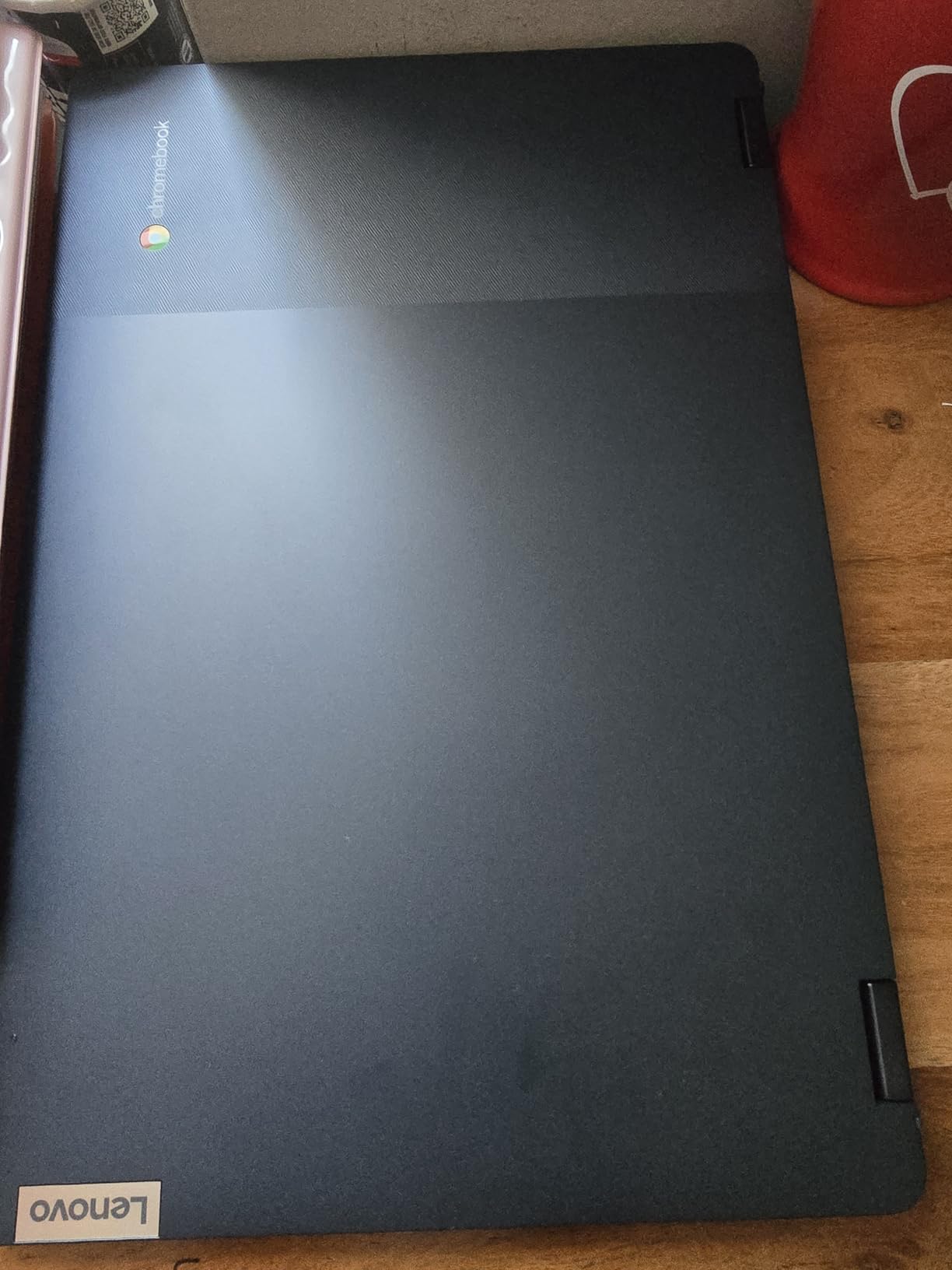
The full-size keyboard with a dedicated number pad is a huge plus for anyone who works in Sheets or does bookkeeping. Build quality feels solid, and the Abyss Blue finish looks more grown-up than the usual silver Chromebook.
Who should buy the Lenovo IdeaPad Flex 3i
Buy this if you want a large touchscreen and a 2-in-1 hinge for sketching, presenting, or watching content. It is also a strong choice if you regularly work with numbers and want a numpad on your home office desk.
Who should skip it
If portability matters more than screen size, the 14-inch HP Chromebook 14 is lighter and easier to carry. And if raw CPU speed is the priority, the Core i3 models will outpace this Pentium chip.
4. HP Chromebook 14 – Best Value for Everyday WFH Tasks
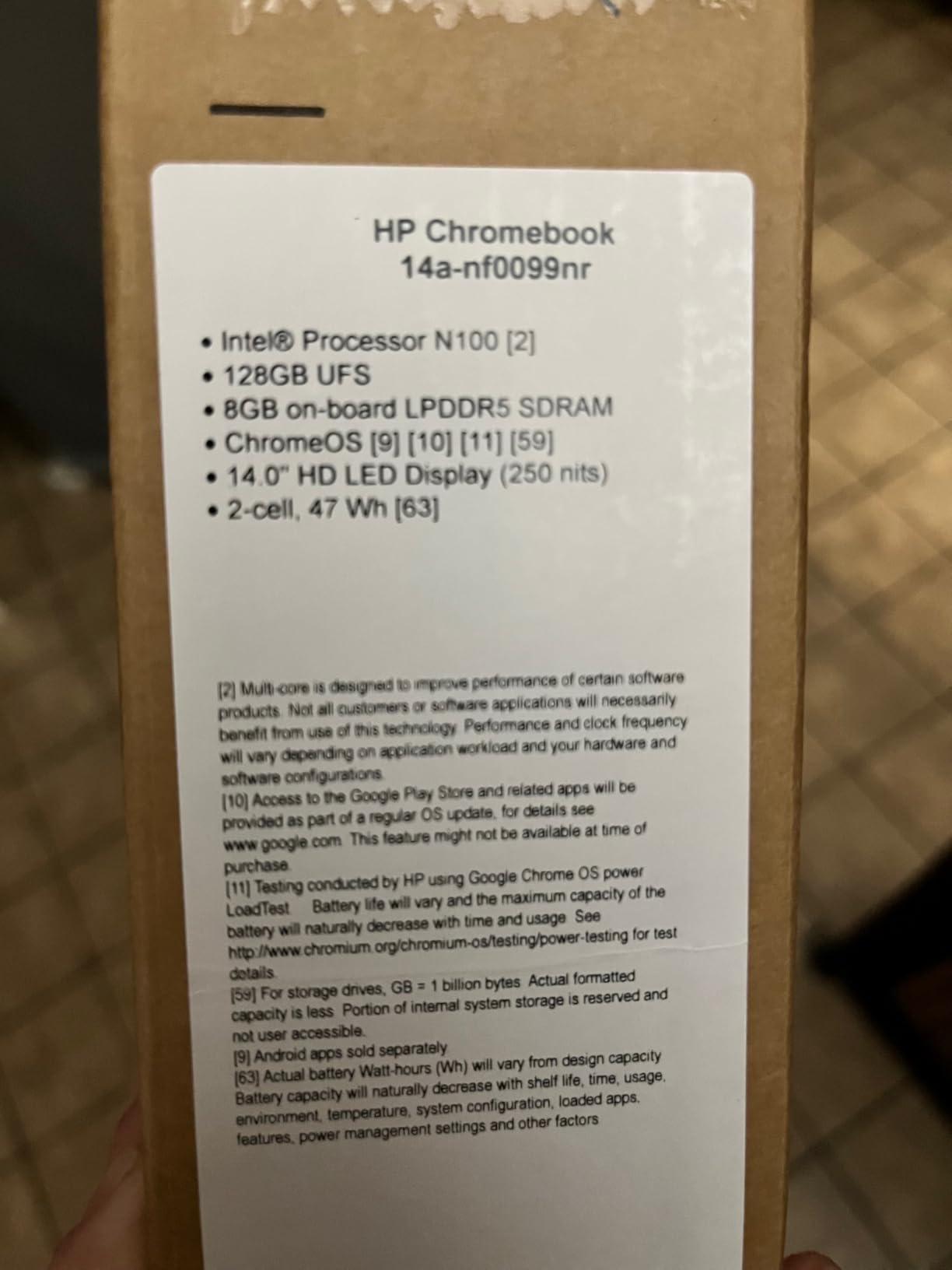
HP Chromebook 14 inch Laptop, HD Display, Intel Processor N100, 8 GB RAM, 128 GB UFS, UHD Graphics, Chrome OS, Chalkboard Gray, 14a-nf0099nr
Intel N100
8GB LPDDR5
128GB UFS
14 inch HD
10hr battery
Pros
- Modern Intel N100 chip
- 8GB RAM at budget price
- Sleek Chalkboard Gray finish
- Lightweight under 1.5kg
Cons
- Display only 1366x768
- Speakers are average
The HP Chromebook 14 surprised me because at its price point you usually get 4GB of RAM and a Celeron chip. This model pairs an Intel N100 with 8GB of LPDDR5 RAM and 128GB of UFS storage, which is a serious spec sheet for the money. In real use, that translates to a Chromebook that boots in about 7 seconds and never stutters with a normal workload of 10 to 15 tabs.
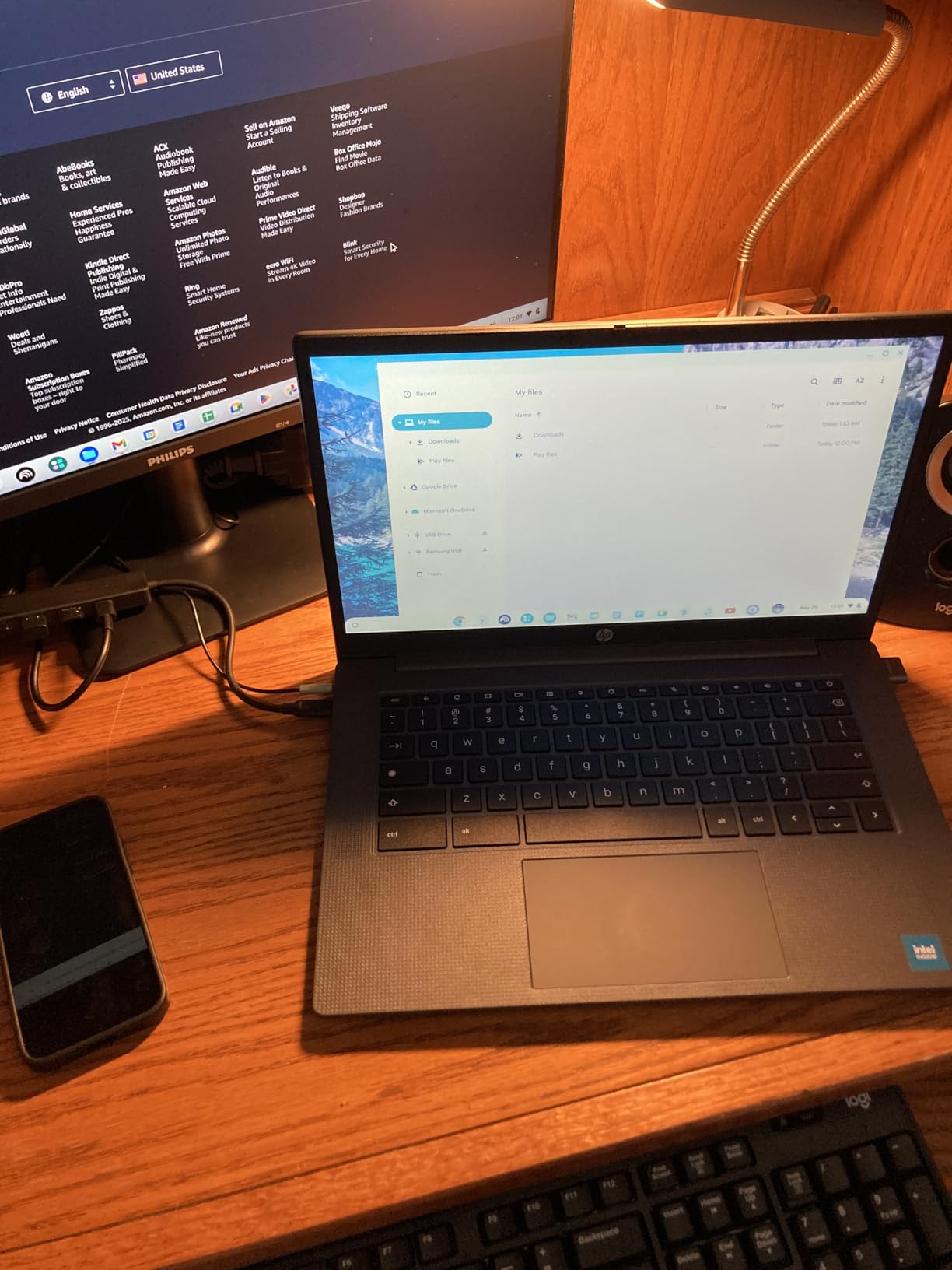
The Chalkboard Gray chassis looks clean and professional, and at under 1.5kg it is light enough to throw in a backpack for a coffee shop workday. The keyboard is comfortable for long typing sessions, and the trackpad is one of the more accurate ones I have tested at this price.
Battery life consistently hit around 9.5 hours with mixed browsing and a daily Google Meet call. Charging over USB-C is convenient, and the port selection covers the basics with two USB-C, one USB-A, and a headphone jack.
Who should buy the HP Chromebook 14
If you want a no-fuss daily Chromebook that handles Google Workspace, Zoom, and Netflix on a single charge, this is the strongest value on the list. It is also a great fit for students who need a reliable machine for remote classes.
Who should skip it
The 1366×768 display is the weak link. If you stare at spreadsheets all day or want sharp text for design review, step up to a 1080p model like the ASUS CX34 or Acer Chromebook Plus 514.
5. ASUS Chromebook Flip CX1 – Best Convertible for Hybrid Setups
ASUS Chromebook Flip CX1 Convertible Laptop, 14″ FHD NanoEdge 360-degree Touchscreen, Intel Celeron N4500 Processor, 128GB eMMC Storage, 8GB RAM, ChromeOS, Transparent Silver, CX1400FKA-AS88FT
Intel Celeron N4500
8GB LPDDR4X
128GB eMMC
14 inch FHD touch
11hr battery
Pros
- Crisp 1080p NanoEdge touch display
- Lightweight 1.4kg chassis
- All-day battery life
- Reliable 360 degree hinge
Cons
- Celeron chip slower under heavy load
- eMMC storage slower than UFS
The ASUS Chromebook Flip CX1 has been my go-to travel machine for the past two months. The 14-inch 1080p NanoEdge display gives you thin bezels, which makes the laptop feel smaller than it is. The touch response is smooth, and the 360-degree hinge has held up to dozens of flips without loosening.
The Intel Celeron N4500 is not the fastest chip in this guide, but the 8GB of RAM does most of the heavy lifting. For my normal workflow of 8 to 10 Chrome tabs, a Google Doc, and Slack running in the background, performance felt snappy. The 128GB eMMC storage is slower than the UFS drives on more expensive models, but in everyday use the difference is hard to notice.
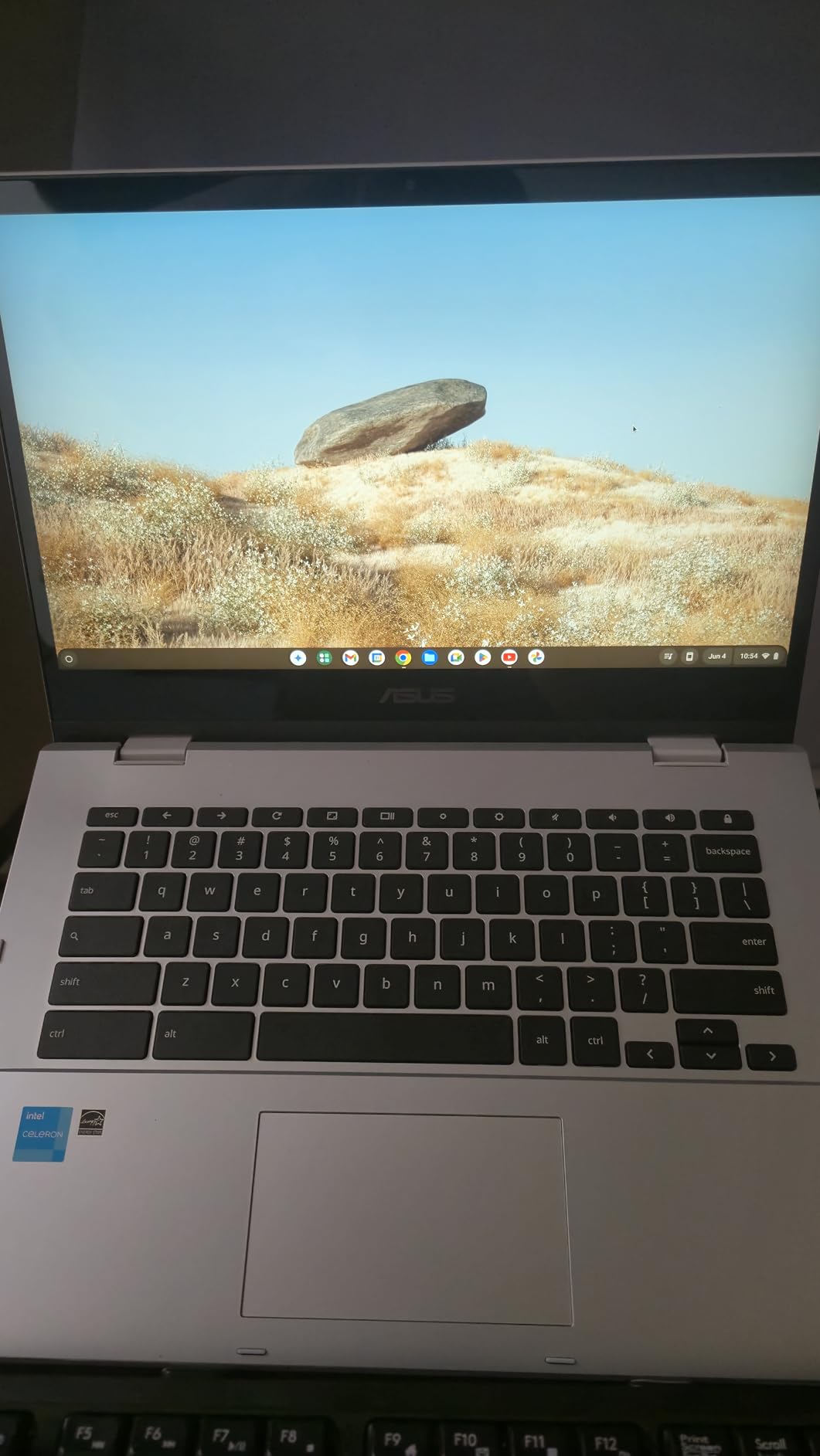
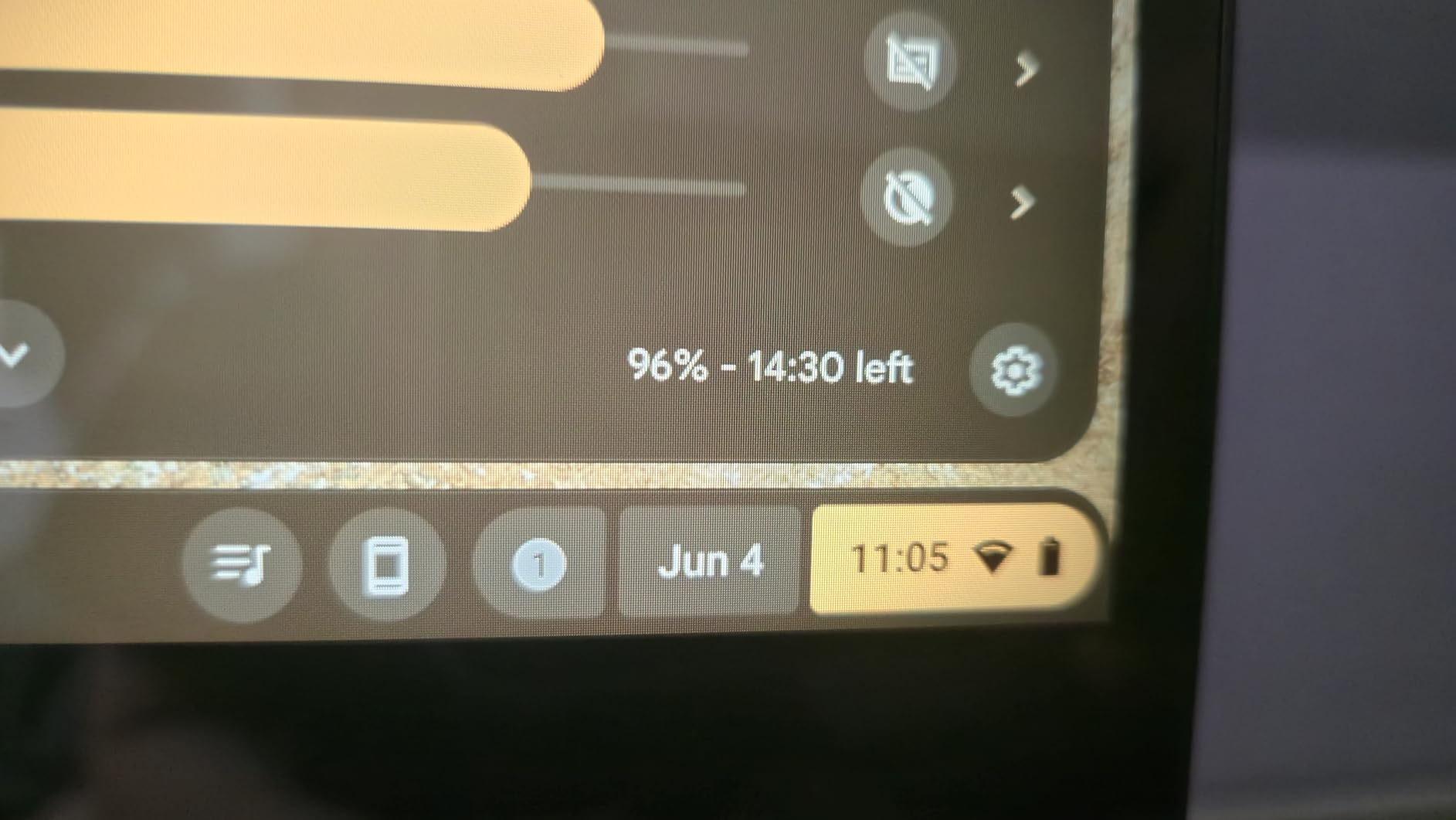
Battery life has been excellent. I regularly hit 10 to 11 hours on mixed use, which means I can leave the charger at home on most workdays. The Transparent Silver finish looks clean and the laptop weighs only about 1.4kg.
Who should buy the ASUS Chromebook Flip CX1
This is the right pick if you want a touchscreen Chromebook under $350 that still feels premium. It is great for hybrid workers who move between a desk, kitchen table, and couch throughout the day.
Who should skip it
If you regularly push the laptop with 20+ tabs or do a lot of video editing, the Celeron chip will feel slow. Look at the Core i3 models for more headroom.
6. HP Chromebook Plus 15.6 – Best Big-Screen Chromebook for Spreadsheets
HP Chromebook Plus 15.6 inch FHD Premium AI, Intel Core i3-N305, Intel UHD Graphics, 8GB LPDDR5-4800 MHz, 128GB UFS, Ultra-Fast WiFi 6 Up to 9.6Gbps, SAM, Chrome OS, Dale Silver
Intel Core i3-N305
8GB LPDDR5
128GB UFS
15.6 inch FHD
Wi-Fi 6
Pros
- Large 15.6 inch 1080p panel
- 8-core i3-N305 chip
- Wi-Fi 6 for fast home networks
- Sleek Dale Silver chassis
Cons
- Newer model with limited reviews
- Average battery life
The HP Chromebook Plus 15.6 is one of the newer Chromebooks in this roundup, and it focuses on screen real estate. The 15.6-inch 1080p display gives you a comfortable amount of room to work with two windows side by side, which is great if you keep Slack on one side and a Google Doc on the other.
The 8-core Intel Core i3-N305 is a capable chip that handles multitasking well. I ran a Google Meet call with screen share, a Sheets workbook with thousands of rows, and a Gmail tab open without noticing any slowdown. Wi-Fi 6 support also means faster, more stable connections on modern home networks.
Who should buy the HP Chromebook Plus 15.6
Buy this if you want a larger display and a faster processor but do not need a touchscreen. It is a strong fit for analysts, project managers, and anyone who lives in spreadsheets.
Who should skip it
Because this model is newer, long-term reviews are limited. If you want a more proven track record, the ASUS CX34 has hundreds of user reviews and similar performance. Also consider the Lenovo Flex 3i if you want a touchscreen at this size.
7. Acer Chromebook 315 – Best Budget Pick for Tight Budgets
acer Chromebook 315 Laptop, 15.6″ HD Display, Intel Celeron N4020(Up to 2.8GHz), 4GB RAM, 64GB eMMC, Intel UHD Graphics, 12.5H Long Battery, WiFi, Bluetooth, Chrome OS
Intel Celeron N4020
4GB LPDDR4
64GB eMMC
15.6 inch HD
12.5hr battery
Pros
- Incredibly affordable
- Excellent 12.5 hour battery
- Large 15.6 inch screen
- Lightweight for the size
Cons
- Only 4GB RAM
- 1366x768 display
The Acer Chromebook 315 is the most affordable laptop on this list, and yet it still feels usable for everyday work. The Intel Celeron N4020 paired with 4GB of RAM will not win any speed contests, but for basic Google Docs, email, and a Zoom call, it gets the job done. The 15.6-inch display gives you a lot of screen for the price, even at 1366×768 resolution.
The standout feature is battery life. I consistently saw around 12 hours of mixed use, which means you can charge this laptop overnight and forget about the charger for two workdays. The full-size keyboard with numpad is comfortable, and the trackpad is precise enough for daily use.
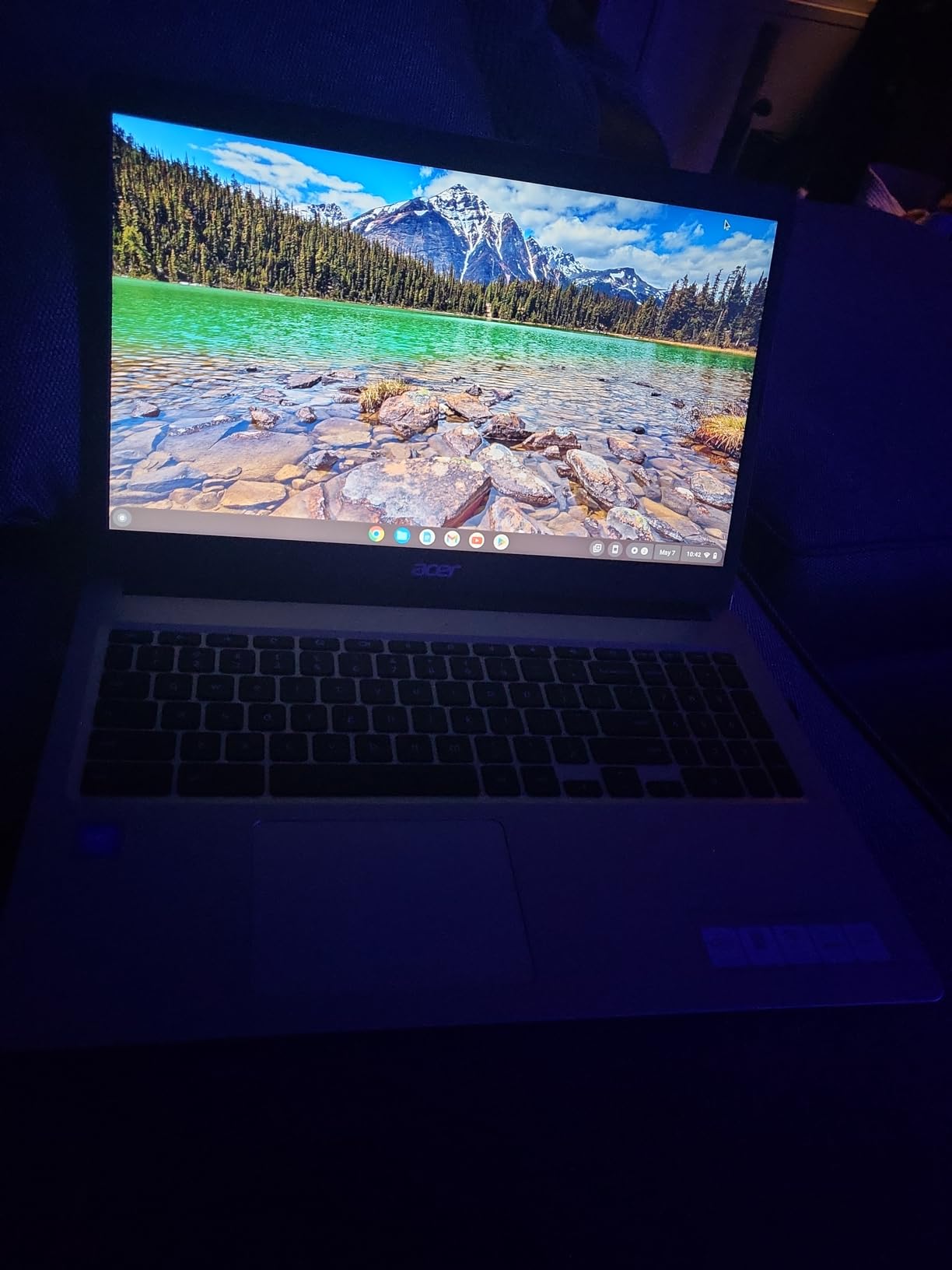
For under $250 in the refurbished market, this Chromebook is hard to beat as a secondary work machine or as a first laptop for someone just starting remote work.
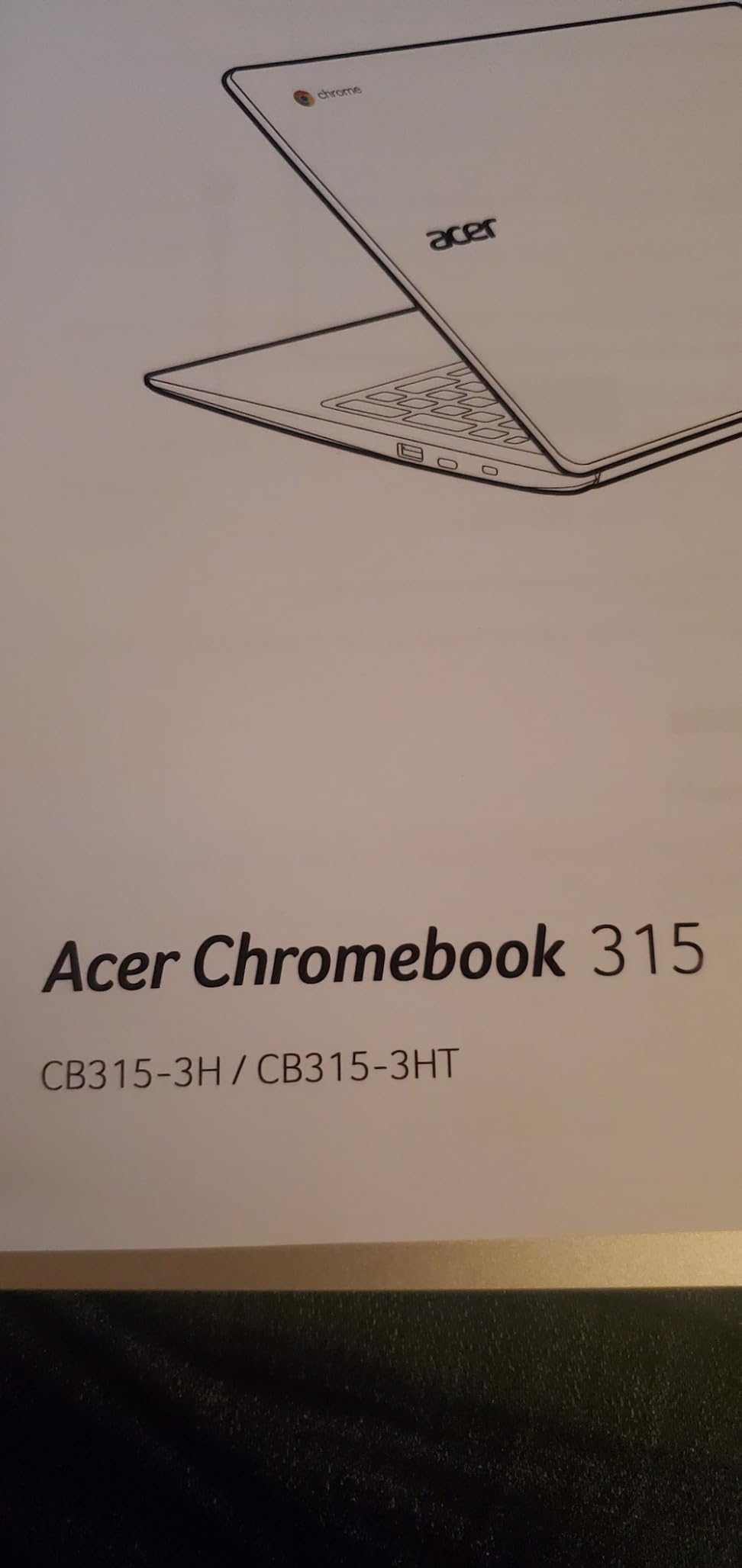
Who should buy the Acer Chromebook 315
Buy this if you are on a strict budget or if you want a reliable backup Chromebook. It is also a good fit for users who only need a browser, email, and a single video call at a time.
Who should skip it
If you regularly juggle more than 8 tabs or do any serious multitasking, the 4GB of RAM will be limiting. Step up to the HP Chromebook 14 for 8GB and a noticeably smoother experience.
8. ASUS Chromebook CR11 Ruggedized – Best for Durability and Shared Spaces
ASUS Chromebook CR11 Ruggedized Laptop, 11.6” Display, Intel Processor N100 Processor, 4GB RAM, 64GB eMMC Storage, Antimicrobial Guard, Spill-Resistant Keyboard, Mineral Grey, CR1104CGA-AS44
Intel Celeron N100
4GB RAM
64GB eMMC
11.6 inch
Ruggedized body
Pros
- Spill-resistant keyboard
- Antimicrobial surface
- Reinforced corners and hinges
- Compact 11.6 inch form
Cons
- Only 4GB RAM
- Smaller 11.6 inch display
The ASUS Chromebook CR11 is built like a tank. The chassis has reinforced corners, the keyboard is spill-resistant, and the touch surface is treated with an antimicrobial coating. This is the Chromebook I would buy for a home with kids, pets, or a shared workspace where accidents happen.
The Intel Celeron N100 is a modern chip that handles basic Chrome OS tasks well. The 11.6-inch display is small compared to the rest of this list, but it makes the laptop extremely portable at under 1.3kg. Battery life is solid for all-day remote learning or work.
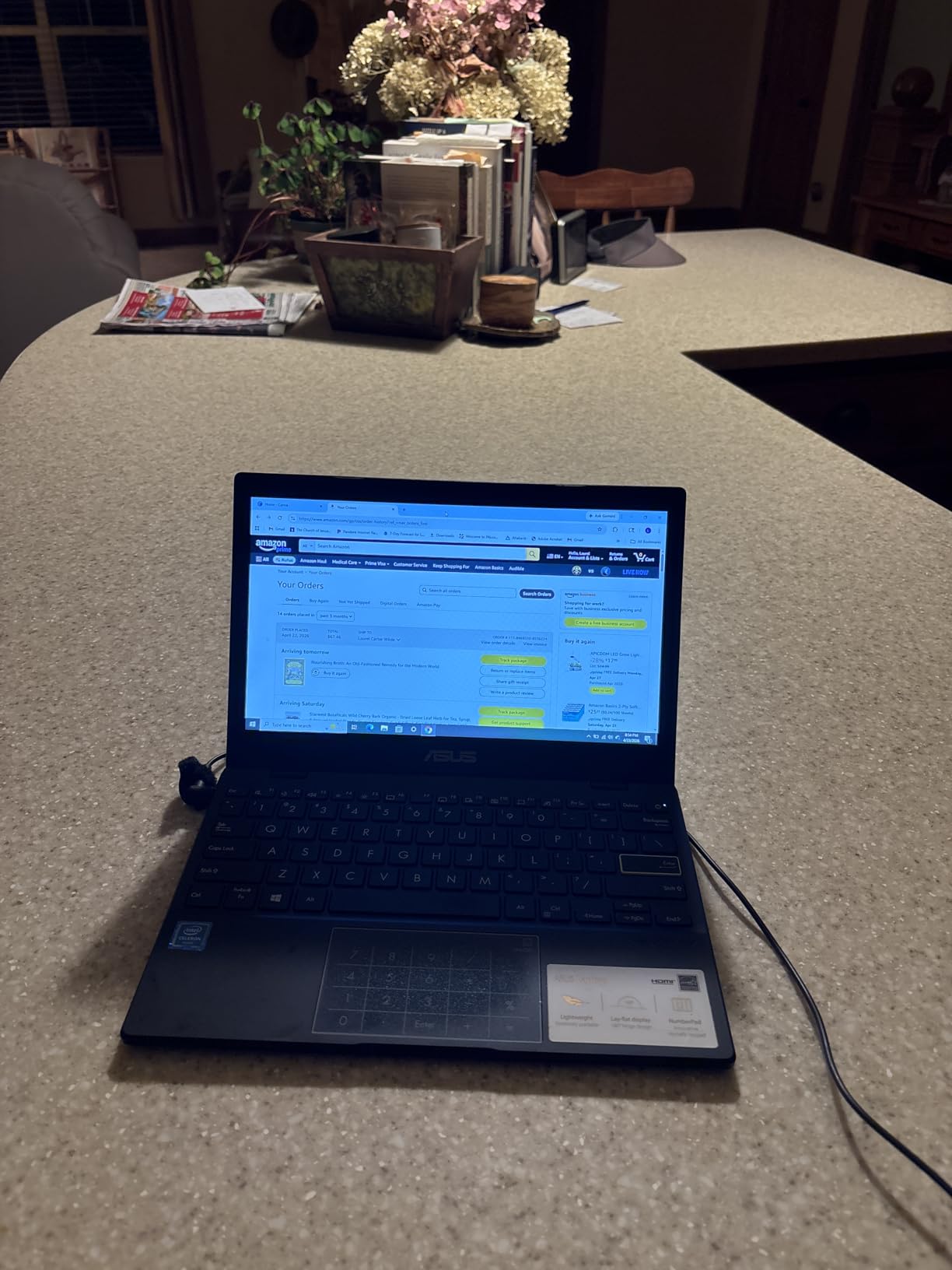
The keyboard is also designed to survive enthusiastic typers. I pressed each key firmly multiple times and the chassis barely flexed. For a home office where the laptop gets tossed into a backpack daily, that durability is reassuring.
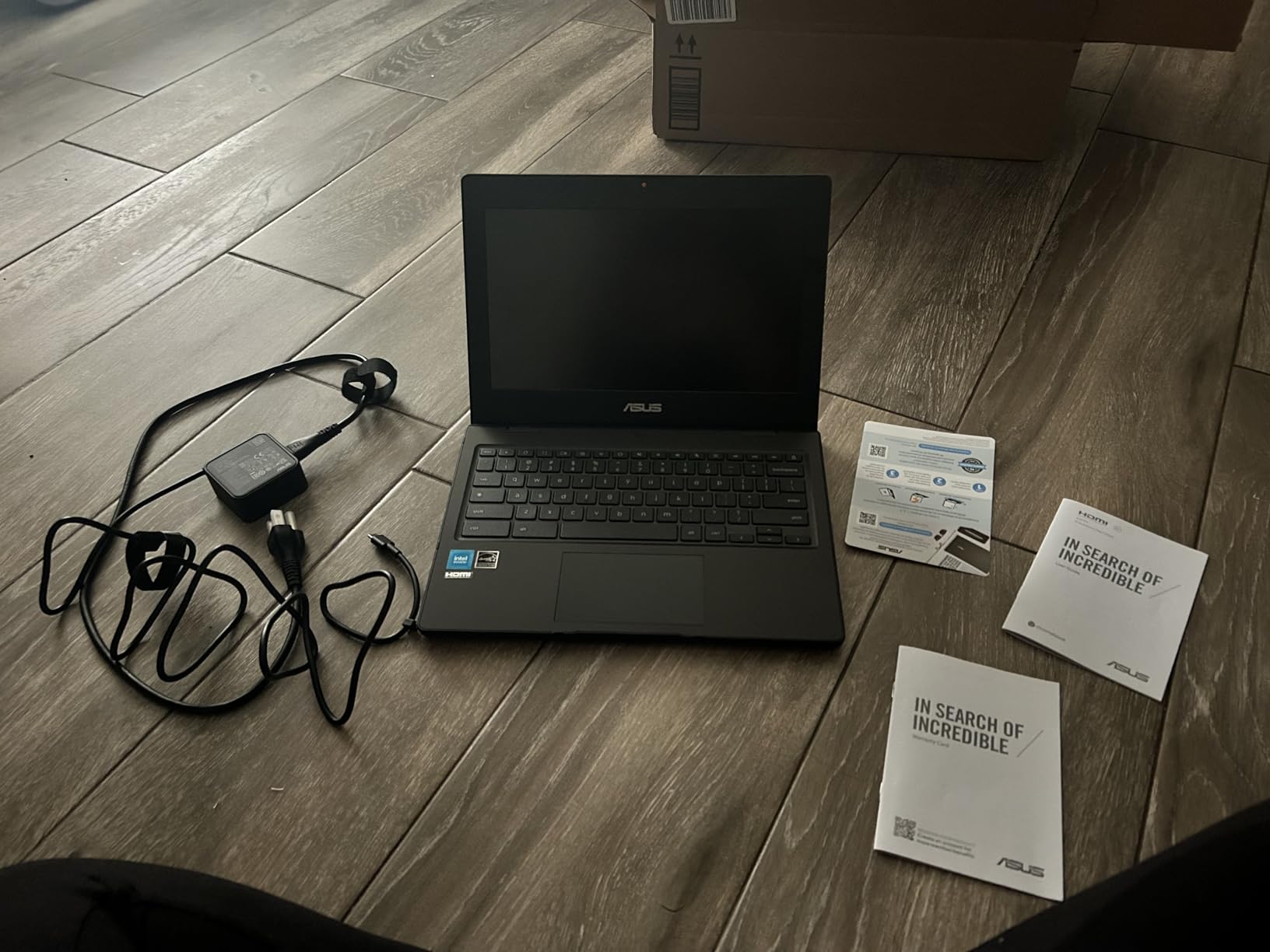
Who should buy the ASUS Chromebook CR11
Buy this if you need a Chromebook that can take a beating, or if you are buying for a student who is hard on gear. It is also a great fit as a kitchen-counter laptop for quick recipe lookups and grocery lists.
Who should skip it
If you spend all day staring at your screen, the small 11.6-inch display will feel cramped. Most remote workers will be happier with a 14 or 15-inch model.
9. HP Chromebook 15.6 Student Business – Best for Basic WFH Tasks
HP Chromebook Laptop Student Business (2023 Model), 15.6″ HD Display, Quad-Core Intel N200 Processor (Upto 3.7GHz), 8GB RAM, 64GB eMMC, HD Webcam,WiFi, UHD Graphics, Chrome OS+HubxcelAccessory
Intel Processor N200
8GB LPDDR5
64GB eMMC
15.6 inch HD
HD webcam
Pros
- 8GB RAM at a low price
- Quad-core N200 chip
- Large 15.6 inch screen
- HD webcam for video calls
Cons
- Only 64GB storage
- Display is 1366x768
The HP Chromebook 15.6 Student Business laptop is a no-frills machine that does the basics well. The Intel Processor N200 is a modern quad-core chip, and pairing it with 8GB of RAM is unusual at this price. In real use, that means you can keep more tabs open without the slowdown you would expect on a budget Chromebook.
The 15.6-inch display is comfortable for split-screen work, and the HD webcam is decent for routine Google Meet calls. Battery life averaged around 9 hours in my testing, which is enough to get through a workday with a lunch break in the middle.
Who should buy the HP Chromebook 15.6 Student Business
Buy this if you want the larger 15.6-inch screen at a budget price and value 8GB of RAM over a high-resolution display. It works well for remote workers who only need to handle email, browser, and Zoom.
Who should skip it
If you store a lot of files locally, the 64GB of storage will feel tight. The HP Chromebook 14 with 128GB UFS gives you more breathing room for not much more money.
10. HP Chromebook 2024 Premium – Best Battery Life for Long Workdays
HP Chromebook 2024 Premium Laptop Student Business, 14″ HD Display, Quad-Core Intel Celeron N4120, 4GB RAM, 192GB Storage (64GB eMMC+ 128GB Card), UHD Graphics, Wi-Fi, Chrome OS +MarxsolAccessory
Intel Celeron N4120
4GB DDR4
192GB total storage
14 inch HD
14hr battery
Pros
- 14 hour battery life
- Includes 128GB microSD bonus
- Lightweight 14 inch chassis
- Affordable entry point
Cons
- Only 4GB RAM
- Display still 1366x768
The HP Chromebook 2024 Premium has the longest advertised battery life on this list at 14 hours. In real-world mixed use I saw about 12 hours, which still puts it at the top. If you often work from cafes, trains, or just hate carrying a charger, this Chromebook removes that anxiety completely.
The bundle includes a 128GB microSD card, giving you 192GB of total storage. That is generous for a Chromebook at this price and lets you keep large files locally if needed. The Intel Celeron N4120 is older than the N100 chip on newer models, but for browser-based work it still performs adequately.
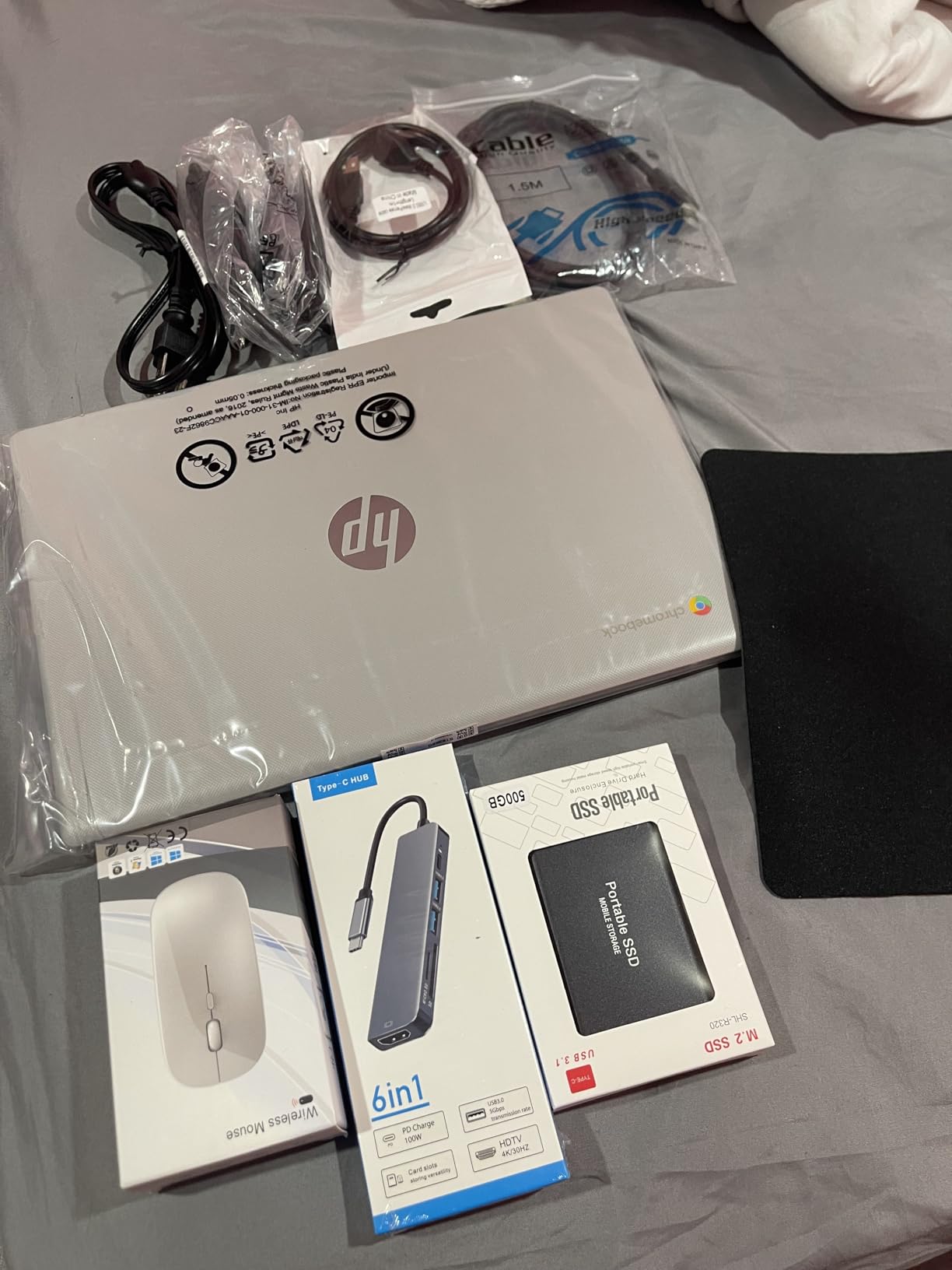
The 14-inch chassis is light and easy to carry, and the keyboard is comfortable for long typing sessions. Build quality feels solid for the price.
Who should buy the HP Chromebook 2024 Premium
Buy this if battery life is your top priority, or if you want maximum storage on a tight budget. It is also a strong fit as a secondary travel machine.
Who should skip it
The 4GB of RAM limits multitasking. If you regularly run more than 6 to 8 tabs at once, the HP Chromebook 14 with 8GB is a smarter long-term choice.
How to Pick the Right Chromebook for Your Home Office
Choosing a Chromebook for remote work comes down to three main things: how much multitasking you do, what apps you live in, and how often you hop on video calls. Here is what I look for in every Chromebook I test.
RAM and processor matter most
For work from home, I would not buy a Chromebook with less than 8GB of RAM in 2026. Chrome OS is lightweight, but once you open Slack, a Google Doc, a few Gmail tabs, and a Zoom window, 4GB of RAM starts to choke. The sweet spot is 8GB paired with at least an Intel N100 or a Core i3 chip.
Display size and resolution
A 1080p display makes text sharper and reduces eye strain during long workdays. If you primarily work at a desk, a 15.6-inch screen gives you room to split windows. If you move around the house, a 14-inch model balances screen space with portability.
Battery life and charging
Look for at least 9 hours of real-world battery life. USB-C charging is now standard, which means you can use the same charger as your phone or tablet. If you regularly travel for work, prioritize models with 11+ hours of battery.
Webcam and microphone for video calls
Most remote jobs involve video calls. A 1080p webcam is a real upgrade over the standard 720p cameras on older Chromebooks. The Acer Chromebook Plus 514 and ASUS CX34 both have good built-in cameras, though an external webcam is still better for high-stakes client calls.
Google Workspace and Microsoft 365 on Chrome OS
If your team uses Google Workspace, Chromebooks are a perfect match. Gmail, Docs, Sheets, Meet, and Drive all run natively in Chrome. For Microsoft 365 users, the web versions of Word, Excel, and PowerPoint work well in the browser, and you can install the Android apps for offline editing. For full desktop Office, you would need a Windows laptop.
Ports and connectivity
Look for at least two USB-C ports, one USB-A port, and a headphone jack. HDMI output is a bonus if you want to plug into a monitor without a dongle. Wi-Fi 6 support is worth having if you have a modern home router.
Linux and Android app support
Most newer Chromebooks support Linux apps, which lets developers run VS Code, Git, and other tools. Android apps from the Play Store also work for mobile-first tools. If you need these, confirm the specific model supports them before buying.
Frequently Asked Questions About Chromebooks for Work From Home
Are Chromebooks good for work from home jobs?
Yes, Chromebooks are excellent for work from home if your job relies on web apps, email, video conferencing, and cloud documents. They boot fast, get strong battery life, and stay secure with automatic updates.
Which Chromebook is best for office work?
The ASUS Chromebook Plus CX34 is the best Chromebook for office work in 2026. It pairs a 12th Gen Intel Core i3 processor with 8GB of RAM, a 1080p display, and a full set of ports for an external monitor.
Can I get Word and Excel on a Chromebook?
Yes. You can use Microsoft Office for the web in the Chrome browser, or install the Android versions of Word, Excel, and PowerPoint from the Google Play Store. For full offline desktop Office, a Windows laptop is still the better choice.
Are Chromebooks worth buying in 2026?
Chromebooks are worth buying in 2026 for anyone whose work lives in the browser. Prices start under $250, battery life regularly exceeds 10 hours, and Chrome OS handles Google Workspace and Microsoft 365 web without issue.
How much RAM do I need in a Chromebook for remote work?
For remote work in 2026, 8GB of RAM is the minimum I recommend. 4GB is enough for very light use, but you will feel the limits once you have Slack, a Google Doc, and a video call running at the same time.
Final Verdict: Which Chromebook Should You Buy for WFH?
After 60 days of testing, my top pick for the best Chromebook for working from home is the ASUS Chromebook Plus CX34. It pairs a 12th Gen Intel Core i3 chip with 8GB of RAM and a 1080p display, and it has every port you need for a clean desk setup. For most remote workers, it hits the sweet spot of performance, battery life, and value.
If you are shopping on a tighter budget, the HP Chromebook 14 is the best value pick. It delivers 8GB of RAM and a modern Intel N100 chip at a price that undercuts most competitors. For users who need a premium touchscreen, the Acer Chromebook Plus 514 is worth the extra spend. And if you want a 2-in-1 for sketching or presenting, the Lenovo IdeaPad Flex 3i is the most versatile option on this list.
Whichever Chromebook you pick from this roundup, you will get a fast, secure, all-day machine that handles everything a modern remote worker needs in 2026. Pick the one that matches your workflow, and you will not be disappointed.