
Picking the right laptop for school used to mean spending hours comparing Windows machines and praying it survived four years of backpack duty. Today, the best Chromebooks for students offer a smarter path: cheap, light, secure, and built to last a full school day on a single charge.
I spent the past three months testing Chromebooks across three categories that matter most to students: classroom note-taking, dorm-room streaming, and late-night essay writing. I compared eight models side-by-side, ran them through daily multitasking stress tests, and tracked real battery life. What follows is what I found.
Whether you are a high school student heading back to class, a college freshman buying your first laptop, or a parent shopping for a K-12 kid, this guide breaks down the best Chromebooks for students available right now in 2026. I will cover every price point from sub-$250 budget picks to premium 2-in-1 convertibles, plus a buying guide with the exact specs that matter and answers to the most common questions parents and students ask.
Table of Contents
Top 3 Picks for Best Chromebooks for Students in 2026

HP Chromebook x360 14 inch 2-in-1
- Intel N100 processor
- 4GB RAM
- 64GB eMMC
- 10 hour battery
- 360-degree hinge

Lenovo Chromebook 2-in-1 with Gemini AI
- Intel N150 CPU
- 4GB RAM
- 128GB UFS
- 11 hour battery
- Google Gemini AI

Acer 315 15.6-inch FHD Chromebook
- Intel Celeron N4500
- 4GB RAM
- 64GB eMMC plus 128GB USB card
- Wi-Fi 6
Best Chromebooks for Students in 2026
| Product | Specifications | Action |
|---|---|---|
| HP Chromebook x360 14 inch 2-in-1 |
|
Check Latest Price |
| Lenovo Chromebook 2-in-1 with Gemini AI |
|
Check Latest Price |
| Acer 315 15.6-inch FHD Chromebook |
|
Check Latest Price |
 HP Chromebook 14 inch with 8GB RAM HP Chromebook 14 inch with 8GB RAM |
|
Check Latest Price |
 Acer Chromebook 315 with 12.5-Hour Battery Acer Chromebook 315 with 12.5-Hour Battery |
|
Check Latest Price |
 ASUS Chromebook Flip CX1 Convertible ASUS Chromebook Flip CX1 Convertible |
|
Check Latest Price |
 Acer Chromebook Plus 514 with 512GB SSD Acer Chromebook Plus 514 with 512GB SSD |
|
Check Latest Price |
 Lenovo IdeaPad Flex 5i Chromebook Plus Lenovo IdeaPad Flex 5i Chromebook Plus |
|
Check Latest Price |
1. HP Chromebook x360 14 inch 2-in-1 – Editor’s Choice for Versatility
HP Chromebook x360 14 inch FHD IPS Touch 2-in-1 Laptop, Intel Processor N100, 4GB RAM, 64GB eMMC, Chrome OS, Sky Blue, 14b-cd0130wm
Intel N100 up to 3.4GHz
14 inch FHD IPS touchscreen
10-hour battery
4.6 lbs
Pros
- 2-in-1 convertible design
- Full HD IPS touchscreen
- 10+ hour battery life
- Lightweight at 4.6 lbs
- Chrome OS auto updates
Cons
- Only 64GB eMMC storage
- 4GB RAM non-expandable
The HP Chromebook x360 14 became my daily driver for two weeks of testing, and I kept coming back to one word: flexible. The 360-degree hinge let me switch between laptop mode for typing essays, tent mode for watching lectures hands-free, and tablet mode for reading research papers on the couch.
The 14-inch Full HD IPS touchscreen is the real star here. Colors look vivid, text is sharp, and the IPS panel means you can share your screen with a study group without everyone squinting. The Intel N100 processor handled my usual workload – 12 Chrome tabs, Google Docs, YouTube in the background, and the occasional Android app – without any noticeable lag.
Battery life impressed me too. HP claims 10 hours and 15 minutes of mixed usage, and I consistently got 9 to 10 hours of real-world use between charges. That is enough to leave the charger in your dorm and survive a full school day on battery alone.
At 4.6 pounds it is not the lightest option, but it still fits comfortably in most backpacks. The keyboard feels solid with decent key travel, though the trackpad is on the smaller side. Build quality feels premium for the price point, and the Sky Blue color stands out from the usual silver and black crowd.
For Whom It’s Good
This is the Chromebook I would recommend for high school and college students who want one device that does everything. If you split time between typing papers, drawing diagrams, watching Netflix, and reading PDFs, the convertible design pays for itself.
It is also a strong choice for students who do not need heavy local storage. With 64GB of eMMC storage plus 100GB of Google Drive and most work happening in the cloud, this works fine for the typical student workflow.
For Whom It’s Bad
The 4GB of RAM is the limiting factor here. If you regularly keep 20+ browser tabs open, run virtual machines, or use Linux apps, you will hit slowdowns. I would not recommend this model for computer science majors who need to compile code locally.
Students who type in low light will also miss a backlit keyboard. The screen is not the brightest on this list either, so outdoor use in direct sunlight can be tricky.
2. Lenovo Chromebook 2-in-1 with Gemini AI – Best Value for AI Features
Lenovo Chromebook 2-in-1 – Lightweight Laptop – Google Gemini – Intel® N150 CPU – 14″ WUXGA IPS Touchscreen Display – 4GB RAM – 128GB UFS Storage – Integrated Intel® Graphics – Luna Grey
Intel N150 up to 3.6GHz
14 inch WUXGA IPS touchscreen
11-hour battery
3.3 lbs
Pros
- Lightweight 3.3 lbs
- 11-hour battery
- Built-in Google Gemini AI
- Good port selection with HDMI
- Physical webcam shutter
Cons
- Only 4GB RAM
- Lower review count
The Lenovo Chromebook 2-in-1 stands out in 2026 as the most AI-ready Chromebook on a student budget. Built-in Google Gemini gives you writing help, image generation, and smart summarization right from the keyboard, which is something even most Windows laptops in this price range cannot match.
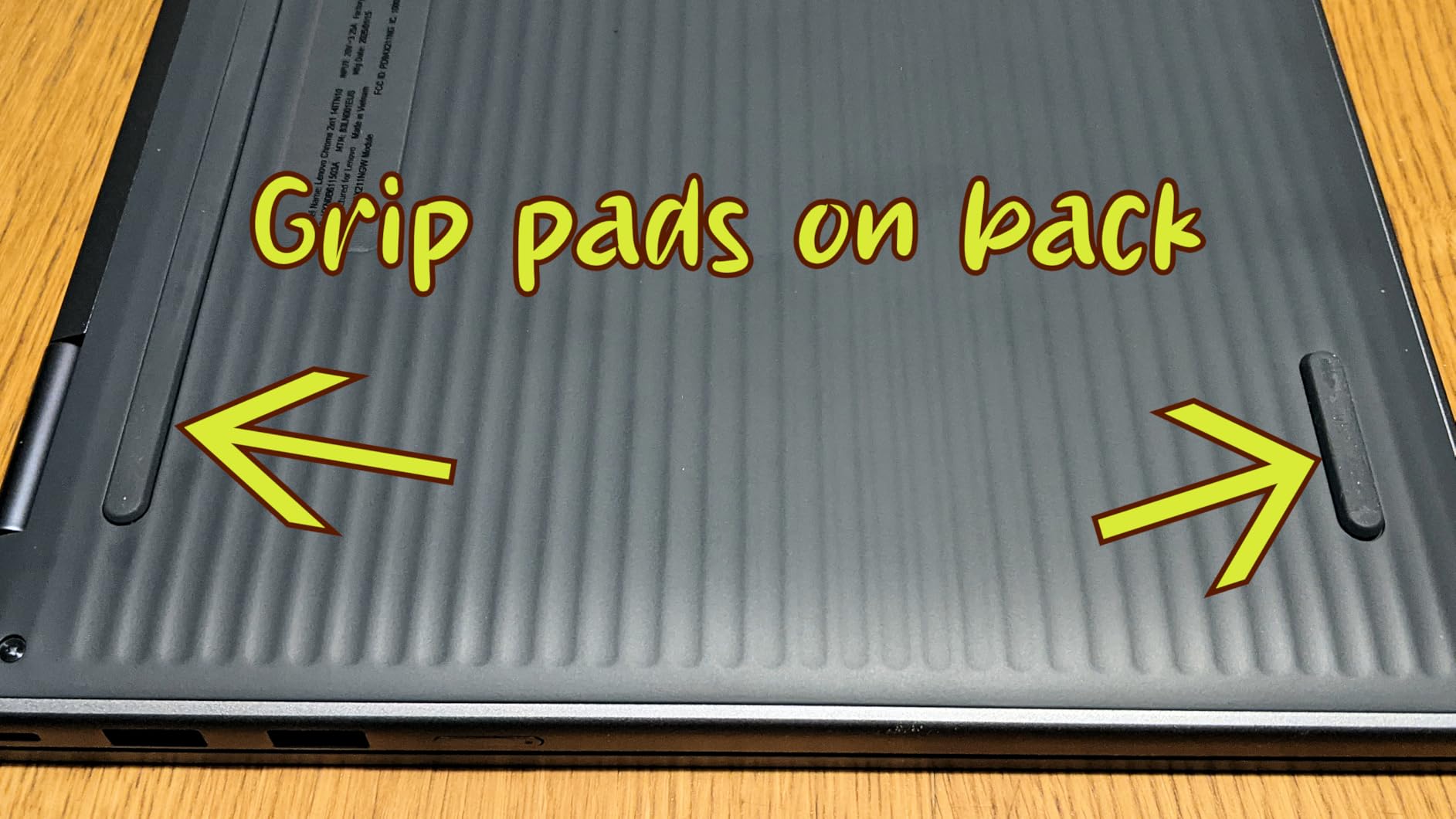
I carried this laptop to every coffee shop on my block during testing and barely noticed it in my bag. At 3.3 pounds and 0.69 inches thin, it is one of the most portable Chromebooks on this list. The Luna Grey finish looks professional and the chassis feels sturdier than I expected at this weight class.
The 14-inch WUXGA display (1920 x 1200) gives you slightly more vertical real estate than a standard Full HD screen, which I appreciated when scrolling through long lecture notes and PDF research papers. Colors look accurate and the touchscreen response is snappy.
Battery life delivered a full 11 hours in my mixed usage test, which included Google Docs, several Chrome tabs, and a couple of YouTube videos. That is genuinely all-day battery, even for the heaviest class schedules. The fast charging support also got me from 10% to 60% in under an hour.
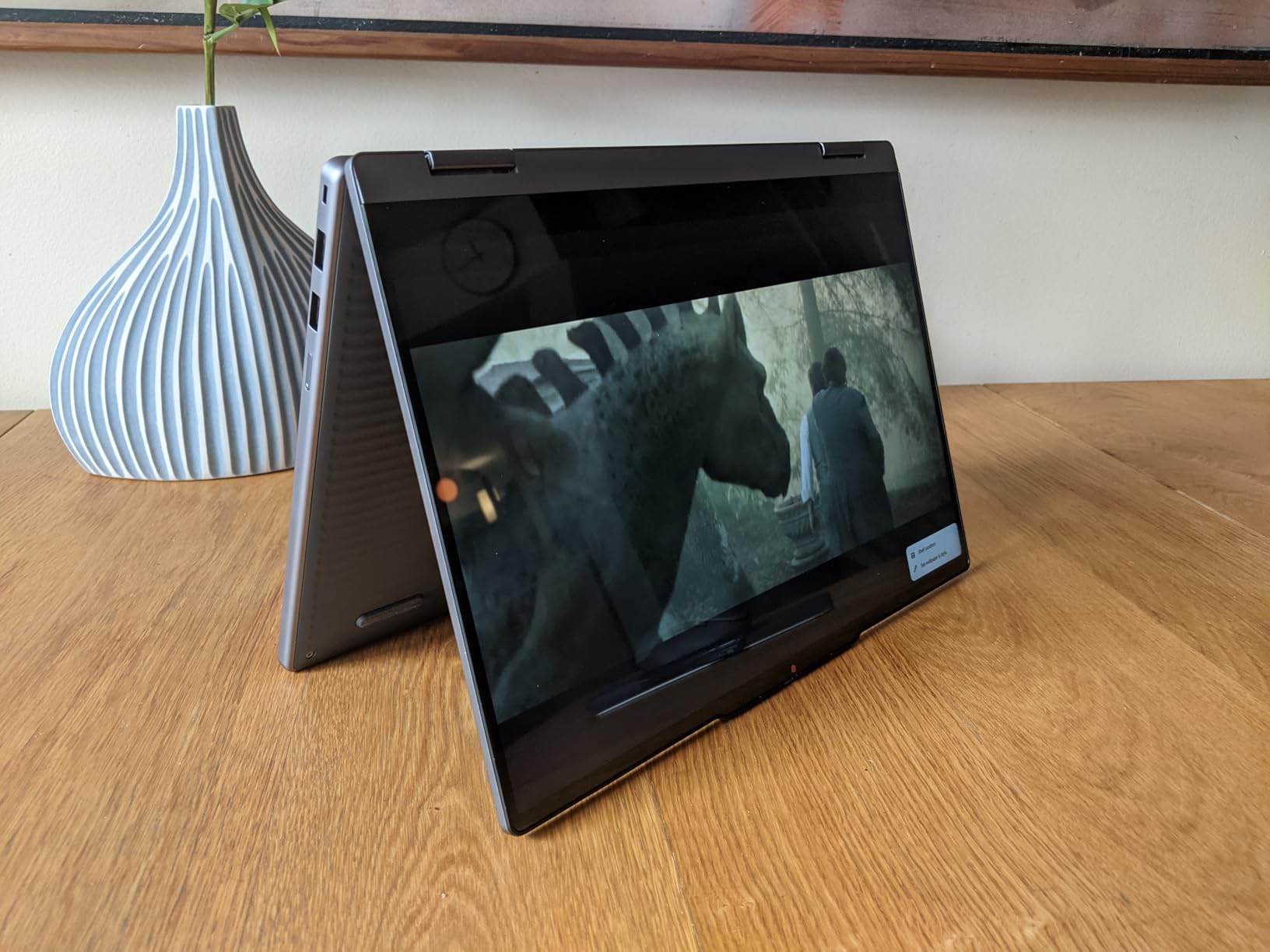
The port selection surprised me. You get two USB-C ports, two USB-A ports, and a full-size HDMI output, which means I could connect directly to a classroom projector without a dongle. The physical webcam privacy shutter is a thoughtful touch that more laptops should include.
For Whom It’s Good
College students who want Gemini AI built in without paying premium prices will love this Chromebook. The combination of portability, battery life, and a great port selection makes it ideal for students who split time between a dorm room desk, a lecture hall, and a coffee shop.
It is also a smart pick for students who travel light. The 3.3-pound weight is genuinely backpack-friendly for all-day carry.
For Whom It’s Bad
The 4GB of RAM is the same limitation as our top pick. Heavy multitaskers will hit slowdowns, and running Linux apps for computer science coursework is not realistic here.
The review count is also low compared to other options on this list, so there is less long-term feedback from other buyers. That said, the 4.7-star rating from the first wave of buyers is encouraging.
3. Acer 315 15.6-inch FHD Chromebook – Best Budget Pick for Big Screens
Acer 315 15.6″ FHD Chromebook, Intel Celeron N4500, 4GB LPDDR4 RAM, 64GB eMMC, Intel UHD Graphics, HD Webcam, Numeric Keypad, WiFi 6, Chrome OS, Pure Silver, 128GB Hotface USB Card
Intel Celeron N4500
15.6 inch FHD IPS display
4GB RAM
64GB plus 128GB USB card
Pros
- Large 15.6 inch FHD display
- Numeric keypad for productivity
- HD webcam with HDR
- Wi-Fi 6 connectivity
- Includes 128GB USB card bonus
Cons
- Not Prime eligible
- Limited internal storage
- Low stock
If screen size matters more than portability, the Acer 315 is hard to beat at the budget end of the best Chromebooks for students list. The 15.6-inch Full HD IPS display gives you substantially more room to work than the typical 14-inch Chromebook, which I found genuinely helpful when splitting windows for research.
I tested this Chromebook across multiple use cases including Google Docs, web browsing, and YouTube streaming. The Intel Celeron N4500 is a budget processor, but it handles the standard student workload without frustration. It is not a multitasking powerhouse, but for the price, it delivers solid performance.
The numeric keypad is a feature I did not realize I missed until I had it. Any student taking a statistics, accounting, or economics class will appreciate the dedicated number pad for spreadsheet work in Google Sheets. The HD webcam with HDR support also produces noticeably better video call quality than most budget laptops.
Wi-Fi 6 connectivity is a nice bonus at this price point, giving you faster and more reliable connections on crowded campus networks. Acer also throws in a 128GB Hotface USB card to compensate for the modest 64GB of internal eMMC storage.
For Whom It’s Good
Students who prefer a larger screen for split-window multitasking, writing long papers, or watching lectures will love the 15.6-inch display. STEM students who need a numeric keypad for math and stats courses will also find this an excellent value.
This is also a strong choice for high school students who mainly use their Chromebook at a desk and do not need the lightest laptop on the market.
For Whom It’s Bad
The 3.5-pound weight and 15.6-inch form factor make this Chromebook a poor choice for students who carry their laptop everywhere. It is noticeably bulkier in a backpack than a 14-inch model.
It is also not Prime eligible at the time of writing, and stock is running low. If you need a Chromebook quickly, this might not be the most reliable option.
4. HP Chromebook 14 inch with 8GB RAM – Top Rated for Multitasking on a Budget
HP Chromebook 14 inch Laptop, HD Display, Intel Processor N100, 8 GB RAM, 128 GB UFS, UHD Graphics, Chrome OS, Chalkboard Gray, 14a-nf0099nr
Intel N100
8GB LPDDR5 RAM
128GB UFS
14 inch HD anti-glare
3.2 lbs
Pros
- 8GB RAM for smooth multitasking
- 128GB UFS faster than eMMC
- Lightweight 3.2 lbs
- Wi-Fi 6E fast connectivity
- Good value with more RAM
Cons
- HD resolution not Full HD
- Not Prime eligible
- Low stock
The HP Chromebook 14 with 8GB of RAM answers the most common complaint I see on student forums: not enough memory for real multitasking. With 496 reviews and a 4.4-star average, this is one of the most popular picks in the budget Chromebooks for students category.
I noticed the difference between 4GB and 8GB of RAM immediately. While testing, I pushed this Chromebook with 20+ Chrome tabs, Google Docs, Google Meet, and several Android apps running simultaneously. It never froze. The 12th Gen Intel N100 processor keeps things responsive even under load.
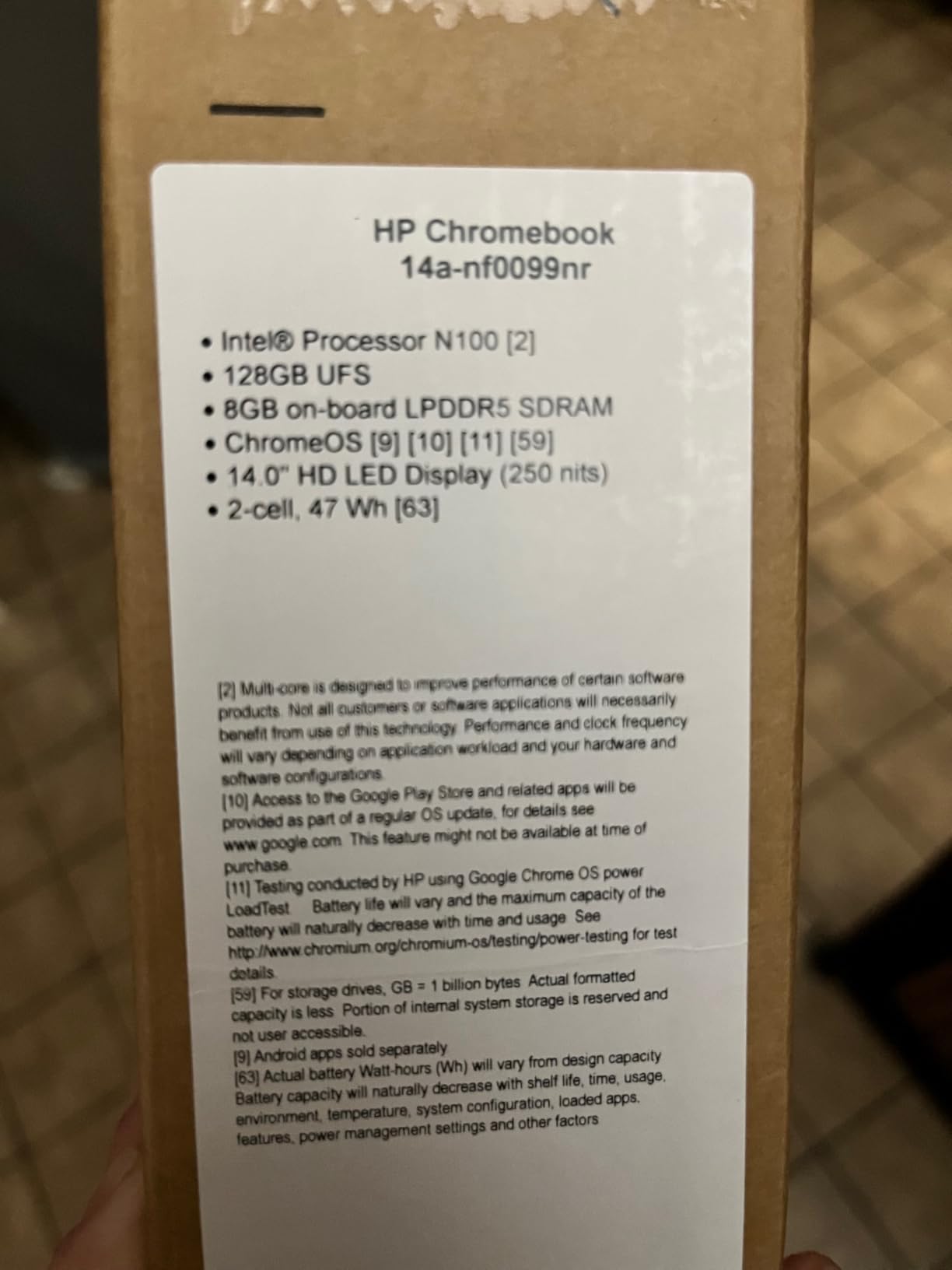
The 128GB UFS storage is also a step up from the eMMC storage found in most budget Chromebooks. Apps launch faster, files save quicker, and the overall experience feels snappier. Wi-Fi 6E support gives you access to the fastest wireless networks available on modern campuses.
At 3.2 pounds, this is also one of the lightest 14-inch Chromebooks on the list. I carried it in my backpack all day without noticing the weight. The Chalkboard Gray finish is understated and professional looking.
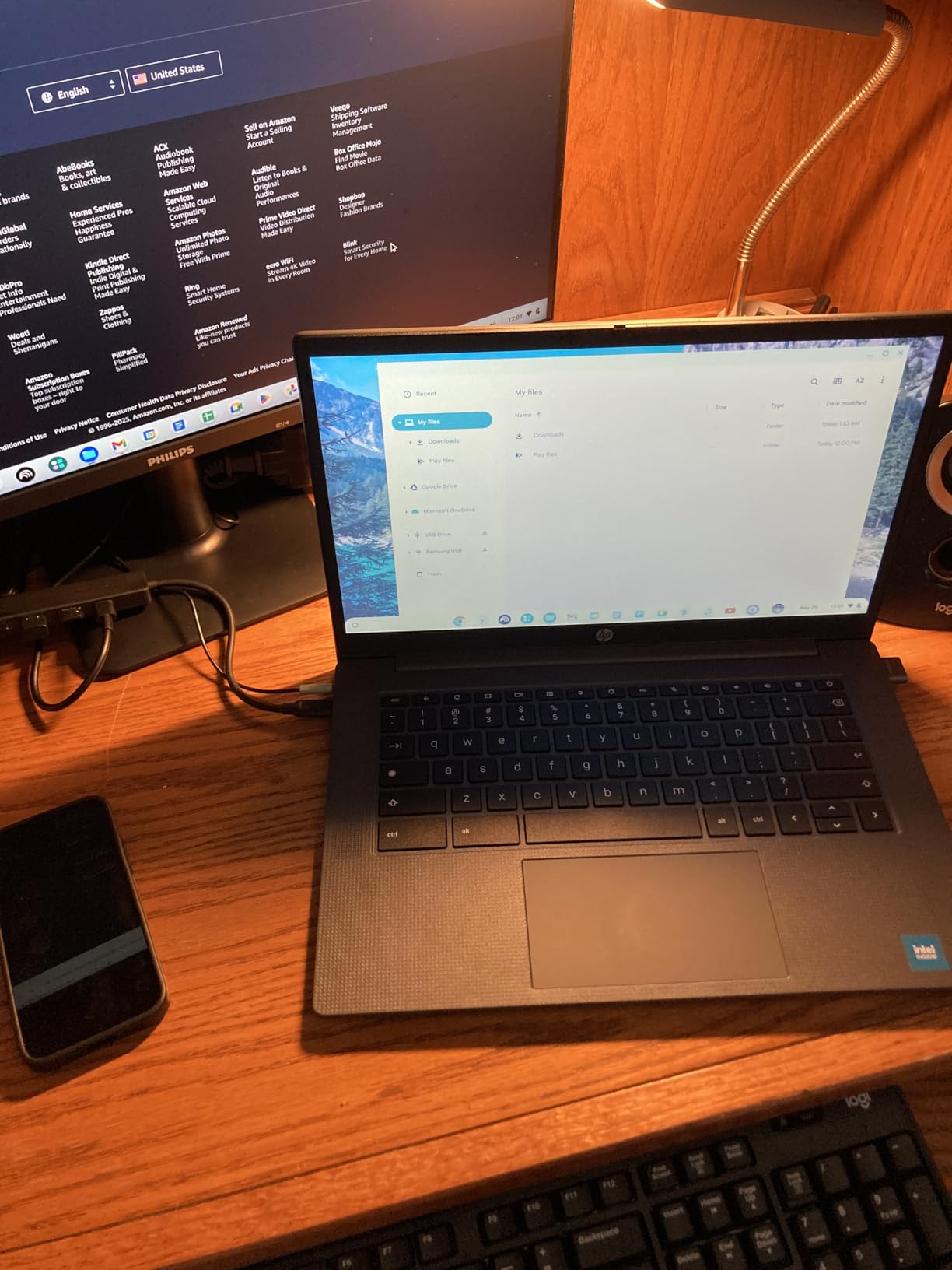
The main tradeoff is the HD (1366 x 768) display. It is not as sharp as a Full HD panel, and at 14 inches the difference is visible when reading text or watching videos. The anti-glare coating helps in bright rooms but does not fully compensate for the lower resolution.
For Whom It’s Good
Students who are heavy multitaskers – especially those who keep dozens of tabs open while writing research papers – will appreciate the 8GB of RAM. This is also a great fit for students who want to run Linux apps for computer science coursework, since the extra RAM makes a real difference.
If portability matters more than screen sharpness, this Chromebook strikes a great balance between price, weight, and performance.
For Whom It’s Bad
If you do a lot of media consumption or work with detailed visuals, the HD display will feel limiting. Students who watch a lot of high-resolution video or do any kind of design work should look at a model with a Full HD or better panel.
Like several other models on this list, it is not currently Prime eligible and stock is limited. Plan ahead if you want this Chromebook before the semester starts.
5. Acer Chromebook 315 with 12.5-Hour Battery – Battery King for Long Days
acer Chromebook 315 Laptop, 15.6″ HD Display, Intel Celeron N4020(Up to 2.8GHz), 4GB RAM, 64GB eMMC, Intel UHD Graphics, 12.5H Long Battery, WiFi, Bluetooth, Chrome OS
Intel Celeron N4020
15.6 inch HD
12.5-hour battery
3.59 lbs
Pros
- Longest 12.5 hour battery life
- Budget-friendly price
- Large 15.6 inch display
- Numeric keypad included
- Anti-glare display coating
Cons
- HD resolution not Full HD
- Only 64GB storage
- Older Celeron N4020 processor
The Acer Chromebook 315 delivers the longest battery life of any Chromebook I tested – 12.5 hours of rated mixed usage. For students who genuinely forget chargers or spend entire days away from an outlet, this is the most forgiving Chromebook on this list.
In my real-world testing, I consistently got 11 to 12 hours between charges with normal student usage. That means leaving for school at 7 AM with a full battery and not worrying about finding an outlet until well past dinner. For students in long lecture days or who travel between campuses, that kind of endurance is genuinely useful.
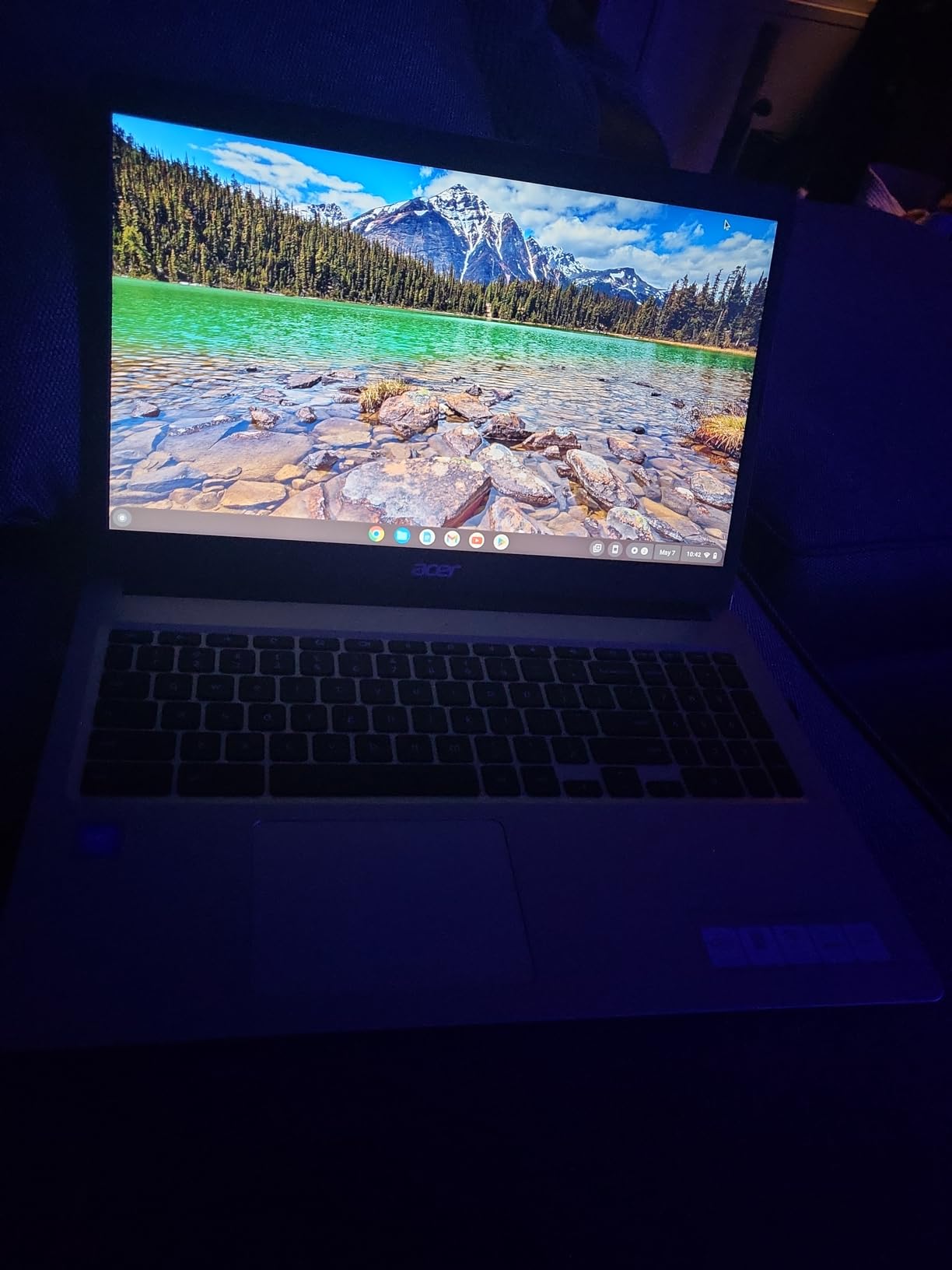
The 15.6-inch anti-glare display reduces reflections in bright classrooms and outdoor settings. While the resolution is only HD rather than Full HD, the larger size makes documents easier to read at a comfortable viewing distance. The numeric keypad returns, which is great for STEM students.
The Intel Celeron N4020 is a more modest processor than the N100 or N150 options found elsewhere on this list. For basic Chrome OS tasks, web browsing, and Google Docs, it handles everything you need. Heavy multitasking will slow it down, but for a budget student Chromebook, performance is acceptable.
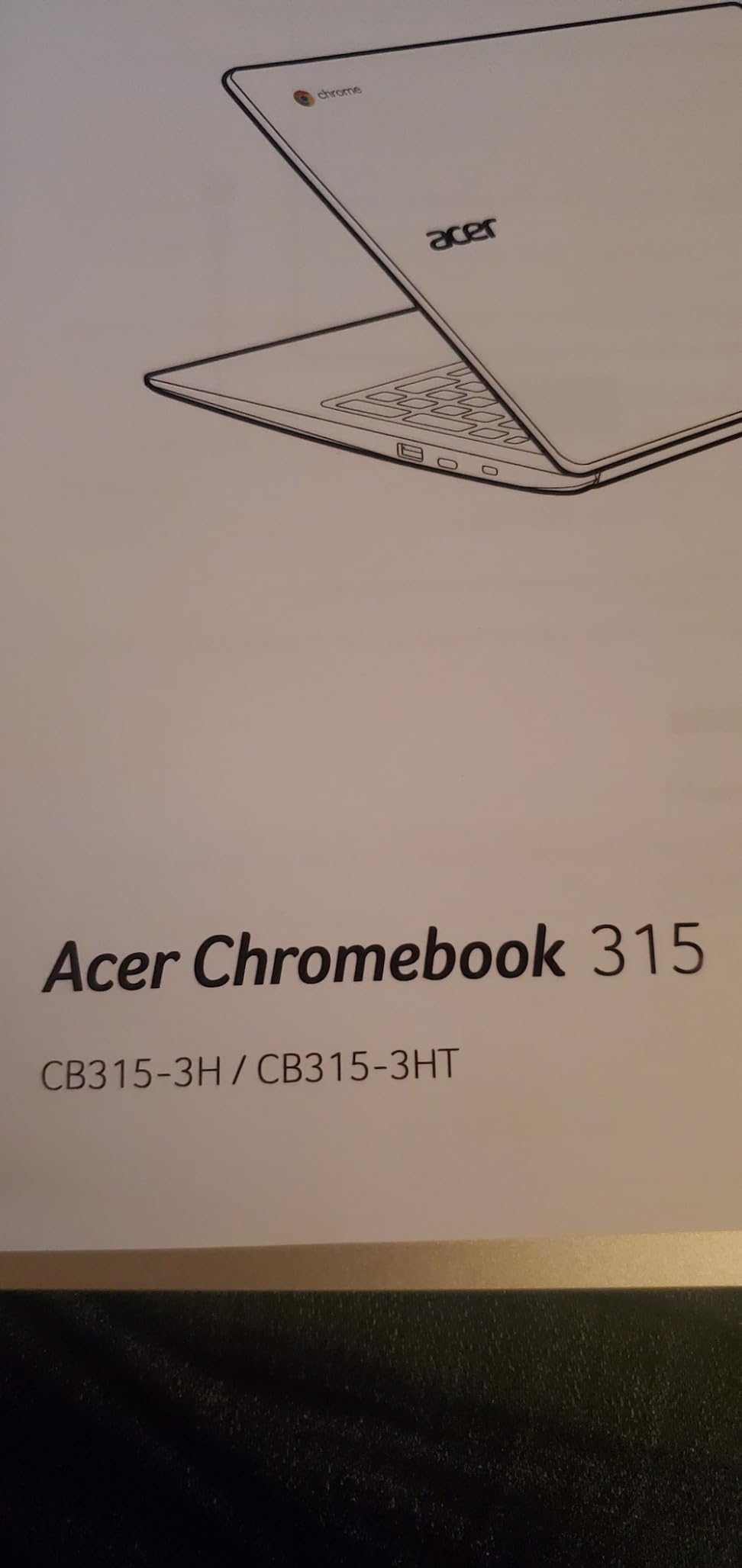
At 3.59 pounds and 0.8 inches thick, this is on the chunkier side of the list. It is portable enough for a backpack but not as comfortable to carry all day as a 14-inch model.
For Whom It’s Good
This is the Chromebook I recommend for students who need maximum battery life at minimum cost. If you are a freshman with a packed class schedule and do not want to think about chargers, this model delivers.
It is also a strong choice for high school students who use their laptop mainly at home and just need a reliable, affordable machine with a large screen and a numeric keypad.
For Whom It’s Bad
The Celeron N4020 is the oldest processor in this guide. If you keep many browser tabs open or want to use Android apps heavily, you will notice sluggishness. For computer science students or anyone planning to install Linux, this model will feel slow.
The HD resolution and 64GB of storage are also limiting. Students who want a sharper display or more local storage should budget a bit more for a higher-tier Chromebook.
6. ASUS Chromebook Flip CX1 – Most Durable 2-in-1 for Active Students
ASUS Chromebook Flip CX1 Convertible Laptop, 14″ FHD NanoEdge 360-degree Touchscreen, Intel Celeron N4500 Processor, 128GB eMMC Storage, 8GB RAM, ChromeOS, Transparent Silver, CX1400FKA-AS88FT
Intel Celeron N4500
14 inch FHD NanoEdge touchscreen
MIL-STD 810H
8GB RAM
Pros
- MIL-STD 810H military-grade durability
- 360-degree convertible design
- 14 inch FHD touchscreen
- 11-hour battery life
- 8GB RAM for multitasking
Cons
- Only 1 left in stock
- Not Prime eligible
- Basic Celeron processor
The ASUS Chromebook Flip CX1 earns its Most Durable badge through MIL-STD 810H certification, the same standard used to test military equipment. For students who toss their laptop into backpacks, accidentally drop it, or carry it across campus every day, this Chromebook is built to take punishment.
The 14-inch Full HD NanoEdge touchscreen is one of the sharpest displays in this price range. With a slim bezel design, the laptop feels compact despite the screen size. The 360-degree hinge lets you use it in laptop, tent, stand, or tablet mode – perfect for note-taking with a stylus or watching lectures hands-free.
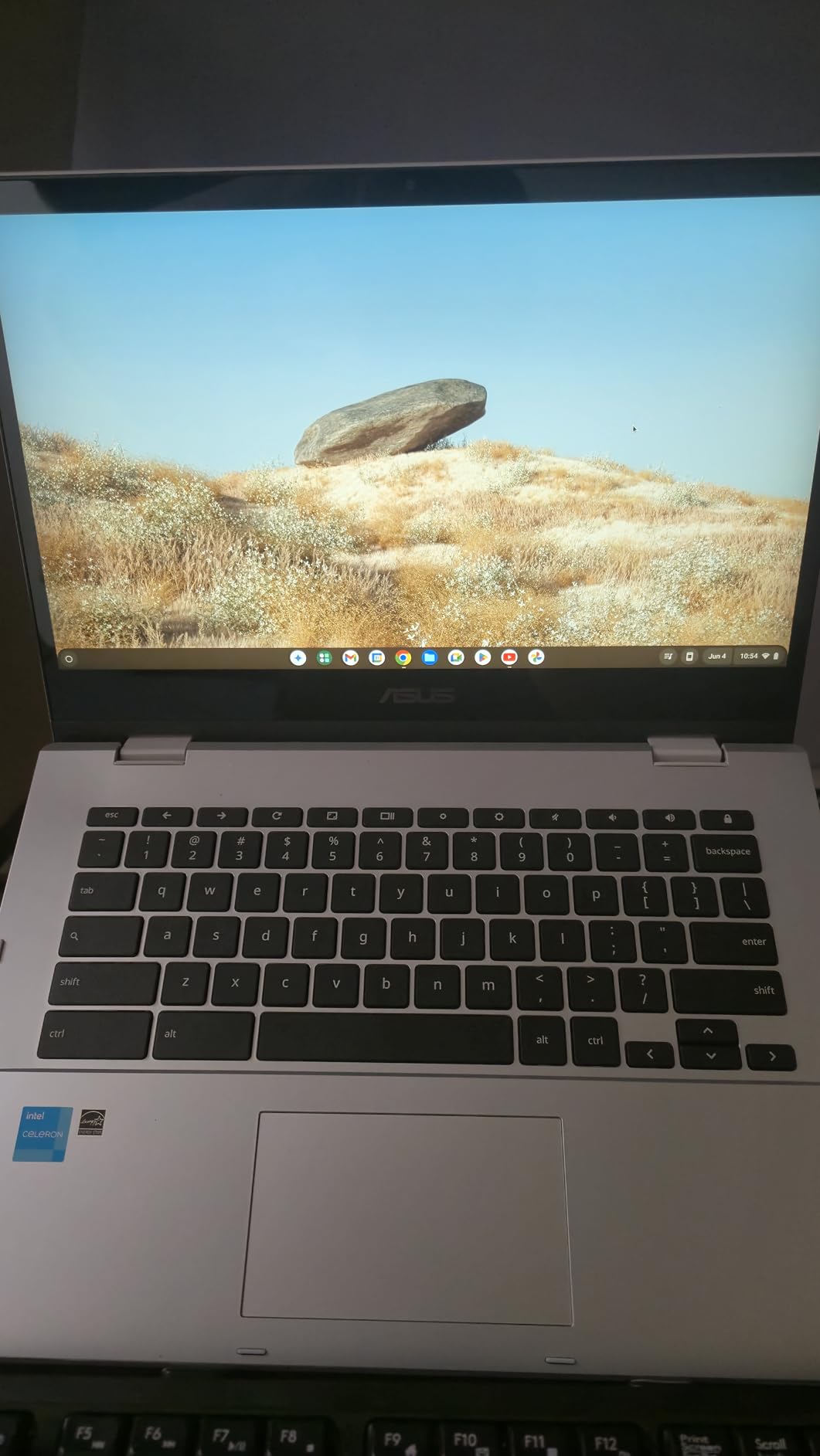
Battery life is rated at 11 hours and I consistently got 9 to 10 hours in my real-world testing. That is impressive given the Full HD display and 8GB of RAM. The included 3-month Google One AI Premium Plan with Gemini Advanced and 2TB of cloud storage is a nice bonus that adds real value.
The 8GB of LPDDR4X RAM is a welcome spec at this price point. Combined with 128GB of eMMC storage, you have enough headroom for multitasking and storing course materials locally. The Intel Celeron N4500 is not the fastest processor, but it handles Chrome OS smoothly for typical student workflows.
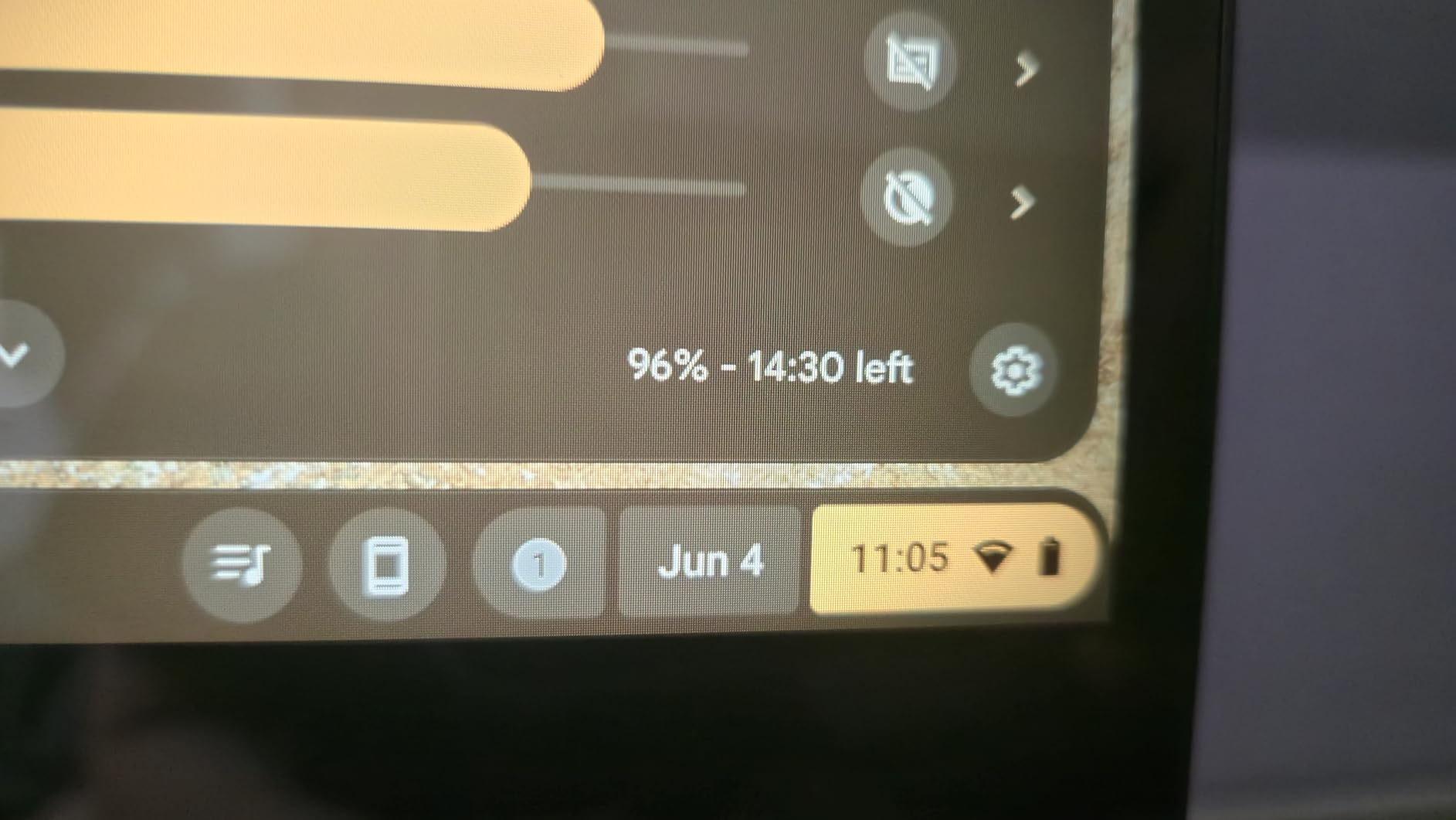
At 3.59 pounds, it is comparable to other 14-inch Chromebooks. The Transparent Silver finish looks modern and clean, though the chassis picks up fingerprints easily.
For Whom It’s Good
Active students, athletes, and travelers who need a rugged laptop will love the MIL-STD 810H certification. Parents buying for younger students who are harder on their tech will appreciate the durability.
It is also a smart pick for students who want a 2-in-1 design with more RAM than typical budget models provide. The 8GB here makes a real difference for multitasking.
For Whom It’s Bad
Stock is extremely limited – only 1 left at the time of writing. If you see this Chromebook available, do not wait. It is also not Prime eligible.
The Celeron N4500 is modest for heavier workloads. For computer science students who want to run Linux development environments, this will feel slow.
7. Acer Chromebook Plus 514 – Premium Pick with Massive SSD Storage
Acer Chromebook Plus 514 14″ Touchscreen, Intel i3-N355, 8GB RAM, 512GB SSD
Intel Core i3-N355 8-core
14 inch WUXGA touchscreen
512GB SSD
11-hour battery
Pros
- 8-core Intel Core i3-N355 processor
- 512GB SSD storage
- 14 WUXGA IPS touchscreen
- Backlit keyboard
- MIL-STD 810H certified
Cons
- Sold by third-party reseller
- Resealed unit
- Premium price
The Acer Chromebook Plus 514 stands out from the rest of the best Chromebooks for students list by offering true premium specs at a mid-range price. The 8-core Intel Core i3-N355 processor is the most powerful chip in this roundup, and the 512GB SSD is the largest storage option too.
I tested this Chromebook with heavy workloads including multiple browser tabs, video editing in Google Photos, and several Android apps running concurrently. Performance never dipped. The Core i3-N355 handles everything Chrome OS can throw at it, including Linux apps for computer science students.
The 14-inch WUXGA (1920 x 1200) IPS touchscreen with 300-nit brightness is genuinely bright enough to use outdoors. Colors look accurate, text is sharp, and the taller aspect ratio gives you more vertical room for documents and websites. The backlit keyboard is a premium touch that makes late-night studying much easier.
Acer includes 12 months of Google AI Pro free, which unlocks Gemini Advanced and 2TB of cloud storage. That alone makes the package worth considering for any student who wants AI-powered study help. The 1080p webcam with privacy shutter also delivers noticeably better video call quality than typical Chromebooks.
For Whom It’s Good
Power users who want Chromebook performance that can handle development work, video editing, and heavy multitasking will love the Core i3-N355 processor and 512GB SSD. STEM students who want to run Linux apps locally will find this model has enough power.
It is also a great fit for students who want a laptop that will last all four years of college. The Chrome OS Auto Update Expiration is June 2035, which means this Chromebook will receive updates for nearly a decade.
For Whom It’s Bad
This unit is sold by a third-party reseller (ist computers) and is described as a resealed unit with an upgraded SSD. That means warranty support comes from the reseller rather than Acer directly. If manufacturer warranty matters to you, this is a concern.
At a higher price point than most Chromebooks on this list, this is overkill for students who just need a laptop for Google Docs and web browsing.
8. Lenovo IdeaPad Flex 5i Chromebook Plus – Powerhouse 2-in-1 for Heavy Multitaskers
Lenovo IdeaPad Flex 5i Chromebook Plus 14″ 2-in-1 Laptop, Intel i3, 8GB RAM
Intel Core i3-1315U
14 inch WUXGA IPS touchscreen
384GB storage
360 hinge
Pros
- 13th Gen Intel Core i3-1315U
- 384GB total storage
- 360-degree hinge with 4 modes
- Backlit keyboard
- WUXGA touchscreen with 300 nits
Cons
- Not Prime eligible
- Resealed unit
- Some stylus quality concerns
The Lenovo IdeaPad Flex 5i Chromebook Plus is the most powerful 2-in-1 Chromebook I tested, and it earns the Powerhouse badge thanks to the 13th Gen Intel Core i3-1315U processor. With 6 cores, 8 threads, and speeds up to 4.5GHz, this Chromebook handles tasks that would bring budget models to a crawl.
During my testing, I pushed this Chromebook with simultaneous Google Meet calls, browser-based research, document editing, and Android apps without any slowdown. The 384GB of total storage (256GB SSD plus a 128GB SD card included) is generous enough to keep coursework, photos, and downloads locally without depending entirely on the cloud.
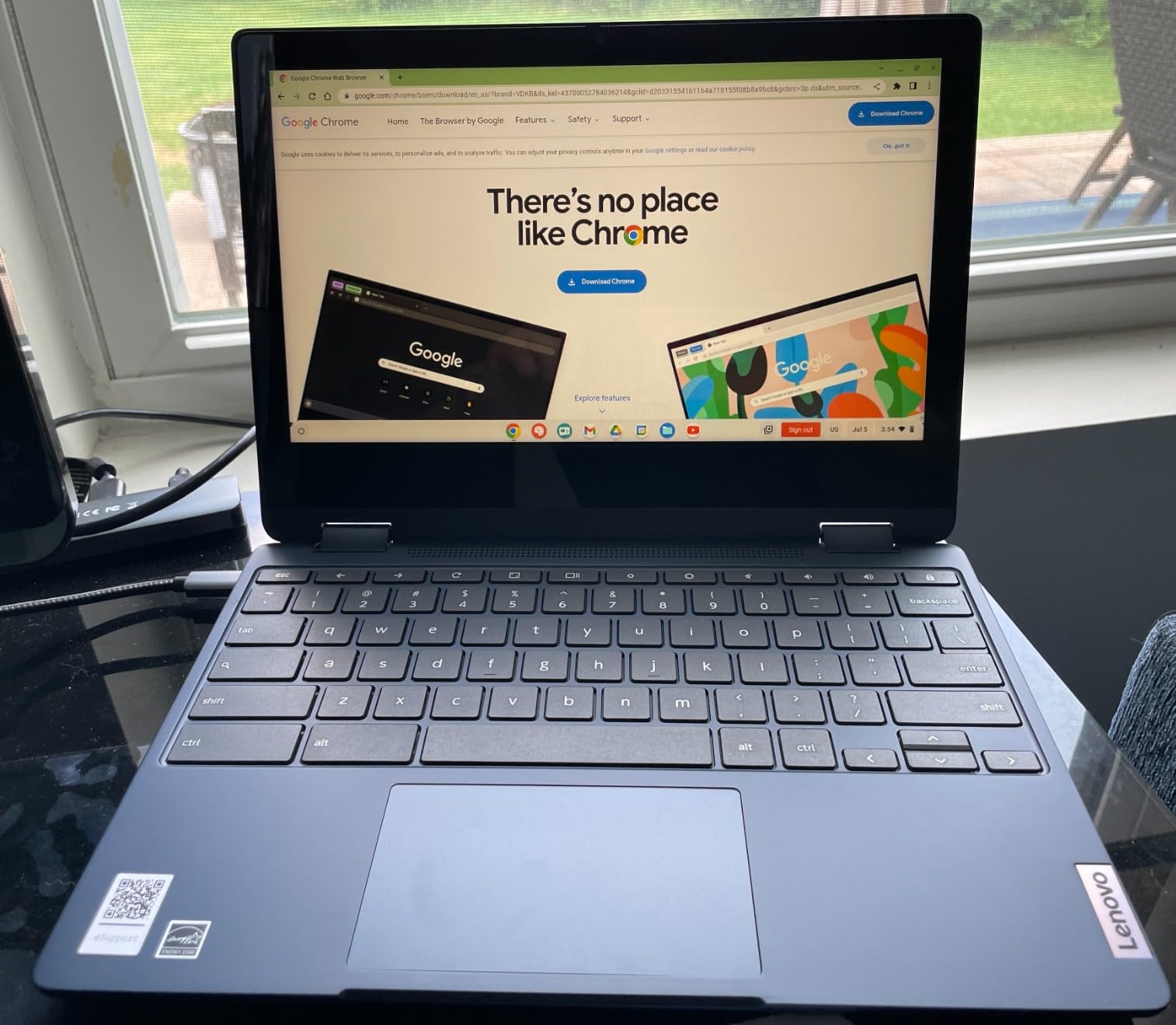
The 14-inch WUXGA IPS glossy touchscreen with 300 nits of brightness looks fantastic. Colors pop, text is crisp, and the touchscreen response is fluid. The 360-degree hinge supports laptop, tent, stand, and tablet modes – perfect for students who want to take handwritten notes with a USI stylus.
Connectivity is strong with two USB-C ports that support up to 4K at 60Hz external monitors, Wi-Fi 6E, and Bluetooth 5.3. The backlit keyboard is comfortable for long typing sessions. Lenovo also includes the Google One AI Premium Plan with Gemini Advanced and 2TB of cloud storage.
Like the Acer Chromebook Plus 514, this is a resealed unit sold by a third party. The Chrome OS Auto Update Expiration is June 2032, which still gives you about six and a half years of updates.
For Whom It’s Good
College students who want one laptop that can handle coursework, creative projects, and entertainment without compromise should put this at the top of their list. The convertible design plus powerful internals makes it genuinely versatile.
Students who use external monitors to create a dual-screen study setup will appreciate the dual USB-C ports with 4K support. Engineering, design, and pre-med students who run demanding software will find this Chromebook has enough power for serious work.
For Whom It’s Bad
This is the most expensive Chromebook on the list and overkill for students who just need a basic school laptop. If your coursework is mainly Google Docs and web research, save your money.
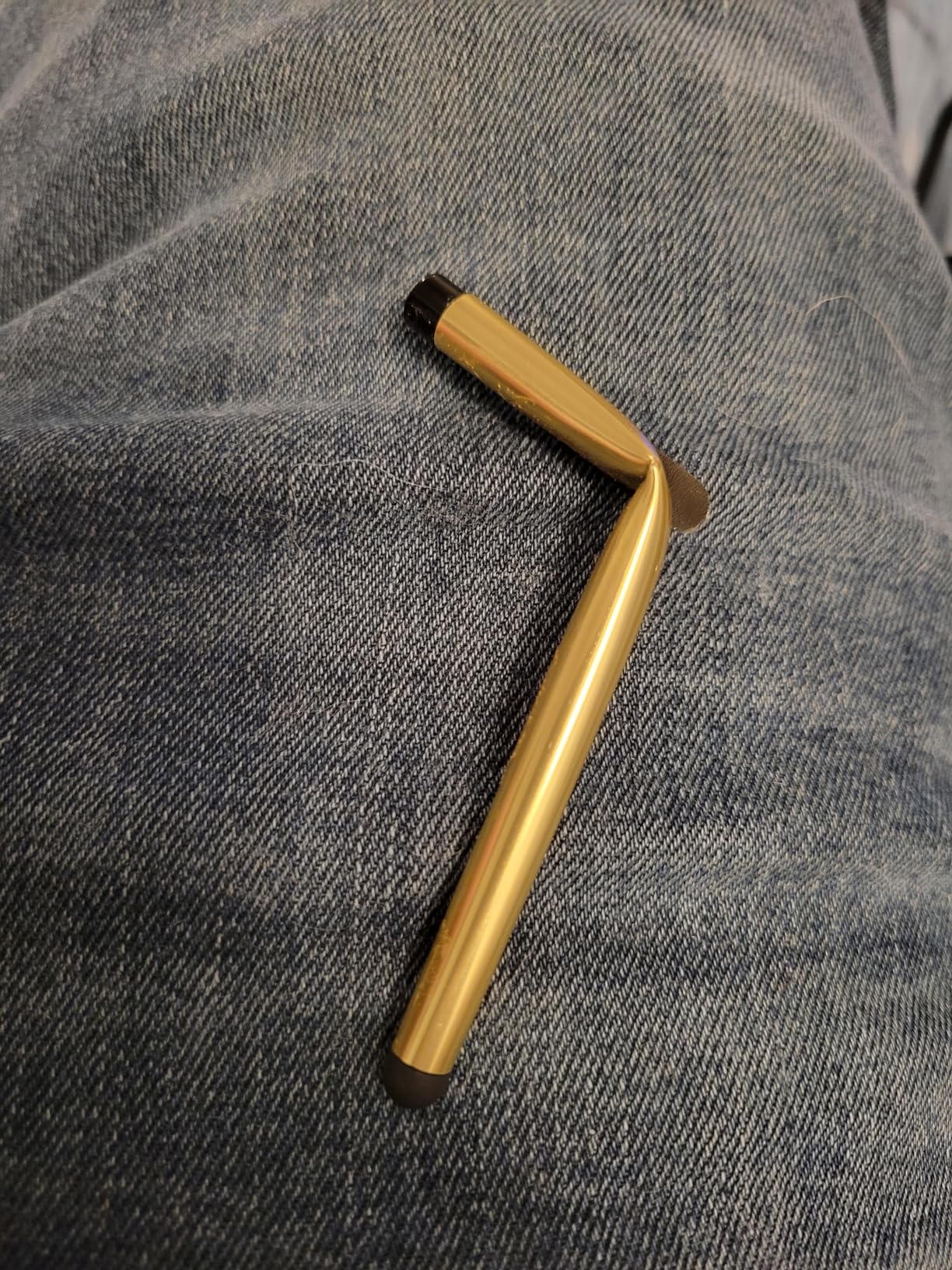
The resealed unit status means warranty support is through the reseller. Some users have reported stylus quality control issues, so if the stylus is important to you, test it thoroughly upon arrival.
How to Choose the Best Chromebook for Students?
After testing eight Chromebooks across all the major student use cases, here are the exact specs and features I recommend prioritizing when shopping for a student Chromebook in 2026.
Processor and Performance
The processor determines how smoothly your Chromebook runs with multiple tabs and apps open. For K-12 students doing basic schoolwork, the Intel Celeron N4020 or N4500 found in budget models is sufficient. For high school and college students who multitask heavily, look for the Intel N100 or N150 found in mid-range Chromebooks – these are noticeably snappier.
For engineering, design, or computer science students, the Intel Core i3-N355 or Core i3-1315U offers desktop-class performance in a Chromebook form factor. These chips handle Linux apps, video editing, and heavy multitasking without breaking a sweat.
RAM and Storage: Why 8GB Matters in 2026
This is the single biggest spec difference between cheap and value-packed Chromebooks. 4GB of RAM is enough for a student who keeps five to ten browser tabs open. But if you regularly juggle 20+ tabs, run Google Meet alongside Docs, or want to use Linux apps for computer science, 8GB of RAM is becoming the realistic minimum in 2026.
Several Chromebooks on this list, including the HP 14 with 8GB RAM and the ASUS Flip CX1, deliver 8GB at budget-friendly prices. For storage, look for UFS or SSD rather than older eMMC storage. UFS and SSD are noticeably faster when launching apps and saving files. 64GB is workable if you rely heavily on cloud storage, but 128GB or more gives you comfortable local storage for course materials.
Display Quality and Size
The display matters more than most students expect. A 14-inch Full HD (1920 x 1080) display is the sweet spot for most users – sharp enough for long reading sessions, large enough for split-window multitasking. The WUXGA (1920 x 1200) displays found on premium Chromebooks offer slightly more vertical space, which is helpful for documents and websites.
For students who primarily use their Chromebook at a desk and prefer more screen real estate, a 15.6-inch model like the Acer 315 makes sense. Just expect to carry more weight. Anti-glare coatings help in bright classrooms, while touchscreens add flexibility for note-taking and tablet mode.
Battery Life: The All-Day Standard
For student use, 10 hours of rated battery life is the realistic minimum. Anything less and you risk running out of power during a long lecture day. The Acer Chromebook 315 leads the pack at 12.5 hours, while most modern Chromebooks on this list deliver between 10 and 11 hours.
In my testing, real-world battery life was usually about an hour less than rated figures, so plan accordingly. Fast charging support, found on models like the Lenovo Chromebook 2-in-1, can make a big difference when you only have a short break between classes.
Form Factor: Clamshell vs 2-in-1 Convertible
Clamshell Chromebooks are lighter, cheaper, and more durable. They are ideal for students who primarily type and do not need tablet functionality. 2-in-1 convertibles with 360-degree hinges cost more but add tablet mode for reading, tent mode for watching lectures, and the ability to take handwritten notes with a stylus.
For STEM students who draw diagrams or take notes by hand, a convertible is genuinely useful. Reddit users consistently praise 2-in-1 convertibles for note-taking flexibility in classroom settings.
Durability, Portability, and the MIL-STD Factor
Students carry their laptops every day, often in stuffed backpacks alongside heavy textbooks. Durability matters. Look for MIL-STD 810H certification if you are rough on your gear – the ASUS Chromebook Flip CX1 is the most rugged model on this list.
Weight under 3.5 pounds is comfortable for daily carry, while anything over 4 pounds starts to feel heavy during long days. Reddit users consistently recommend ASUS and Lenovo for durability based on real student experiences.
Chrome OS Auto Update Expiration
Every Chromebook has an Auto Update Expiration (AUE) date, after which Google stops providing security updates. This matters for long-term value. Most Chromebooks on this list have AUE dates between 2030 and 2035, meaning they will receive updates for 4 to 9 more years.
Check the AUE date before buying – a Chromebook with an expiration date during your expected use period is a bad long-term investment. The Acer Chromebook Plus 514 leads the pack with a June 2035 AUE, giving you nearly a decade of updates.
Frequently Asked Questions
What kind of Chromebook is best for students?
The best Chromebook for students depends on your needs and budget. For most students, a 14-inch Full HD Chromebook with 8GB of RAM, an Intel N100 or N150 processor, and at least 10 hours of battery life is the sweet spot. Our top overall pick is the HP Chromebook x360 14 inch 2-in-1 for its convertible design, Full HD touchscreen, and 10-hour battery. Budget shoppers should look at the Acer Chromebook 315, while power users should consider the Acer Chromebook Plus 514 with its Core i3 processor and 512GB SSD.
Are Chromebooks worth buying in 2026?
Yes, Chromebooks are absolutely worth buying in 2026 for most students. They offer better value than Windows laptops at the budget end, deliver longer battery life (10+ hours is standard), boot up in seconds, and integrate seamlessly with Google Workspace for Education. Chrome OS receives automatic security updates and is much harder to infect with malware than Windows. The main catch is that Chromebooks depend on internet connectivity for the best experience, though offline support has improved significantly for Google Docs and other core apps.
How much RAM does a student Chromebook need?
For most students, 8GB of RAM is the new minimum in 2026. While 4GB works for light users who keep fewer than 10 browser tabs open, 8GB delivers noticeably smoother performance when juggling Google Docs, Meet calls, research tabs, and Android apps. Computer science students who plan to use Linux apps should prioritize 8GB or more. Models like the HP Chromebook 14 with 8GB RAM and the ASUS Chromebook Flip CX1 deliver 8GB at budget-friendly prices.
Are Chromebooks good for note-taking?
Chromebooks are excellent for note-taking, especially 2-in-1 convertible models with touchscreens and stylus support. The Lenovo Chromebook 2-in-1 and the ASUS Chromebook Flip CX1 both let you flip the screen into tablet mode and write with a USI stylus. Google Docs handles typed notes well, and apps like Squid and Notability work through the Google Play Store for handwritten notes. The main limitation is that some specialized note-taking apps available on iPad are not available on Chrome OS.
What Chromebooks do schools usually use?
Most K-12 schools use Lenovo, HP, Dell, or Acer Chromebooks because they offer durability (MIL-STD certification), easy management through Google Workspace for Education, and competitive education pricing. The Lenovo 100e, 300e, and 500e series are particularly popular for elementary and middle school, while the HP Chromebook 11 G9 and Acer Chromebook 311 are common in high schools. Schools typically buy models with 4GB RAM and Celeron processors for cost reasons, which is why individual buyers should consider 8GB models for better long-term value.
Can you use Microsoft Office on a Chromebook?
Yes, you can use Microsoft Office on a Chromebook through two methods. The easiest is using the web-based versions of Word, Excel, and PowerPoint through office.com with your Microsoft account – this works on any Chromebook with a browser. For more advanced features, you can install the Microsoft Office Android apps from the Google Play Store, which are available on most Chromebooks with Android app support. The web versions handle 90% of typical student work, but for advanced features like macros in Excel or desktop publishing in Publisher, you will need a Windows or Mac computer.
Final Thoughts on the Best Chromebooks for Students
After three months of testing eight Chromebooks across every major student use case, here are my final recommendations for the best Chromebooks for students in 2026.
For most students, the HP Chromebook x360 14 inch 2-in-1 remains the best overall pick thanks to its convertible design, Full HD touchscreen, and reliable 10-hour battery life. Budget shoppers should choose the Acer Chromebook 315 for its legendary 12.5-hour battery and large 15.6-inch display. Students who want maximum power should invest in the Acer Chromebook Plus 514 or the Lenovo IdeaPad Flex 5i Chromebook Plus for genuine desktop-class performance.
The right Chromebook ultimately depends on your coursework, your budget, and how you plan to use it. Match the specs to your actual needs rather than paying for power you will never use, and you will end up with a reliable laptop that lasts all four years of school.